Engineered to perfection
Sculpted curves.Modularity. Comfort.

Three keyboard formats: Standard, Mini, and Micro. A shared sculpted design, three approaches to the layout.
Standard58 keys

Standard 58 keys
- Expanded layout
- Dedicated number row
Mini46 keys

Mini 46 keys
- Compact layout
- No dedicated number row
Micro40 keys

Micro 40 keys
- Minimal layout
- Home-row mods keep modifiers close

Put cursor control, scrolling, timelines, zoom, and precision adjustments directly under your hands.
Combine trackball, touchpad, and rotary encoder modules on either half, then arrange Phenom around the actions you use most.
Explore the default layouts
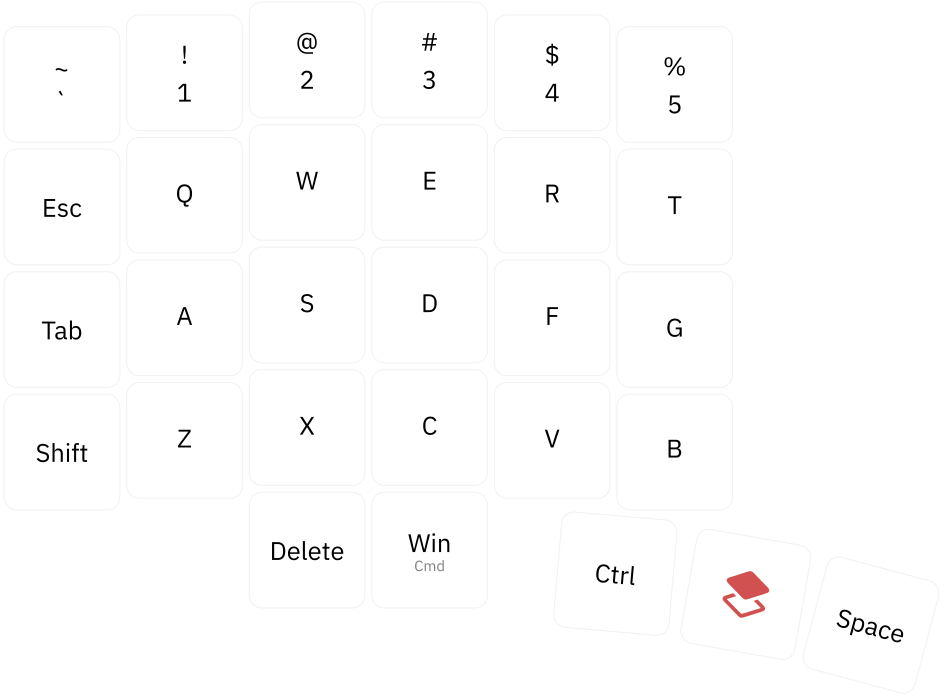
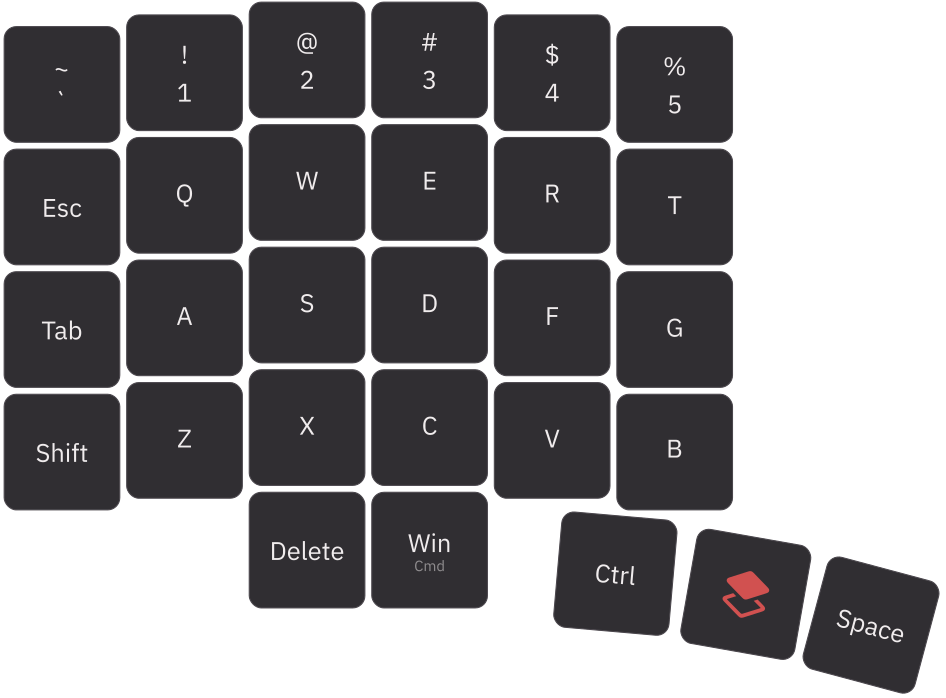
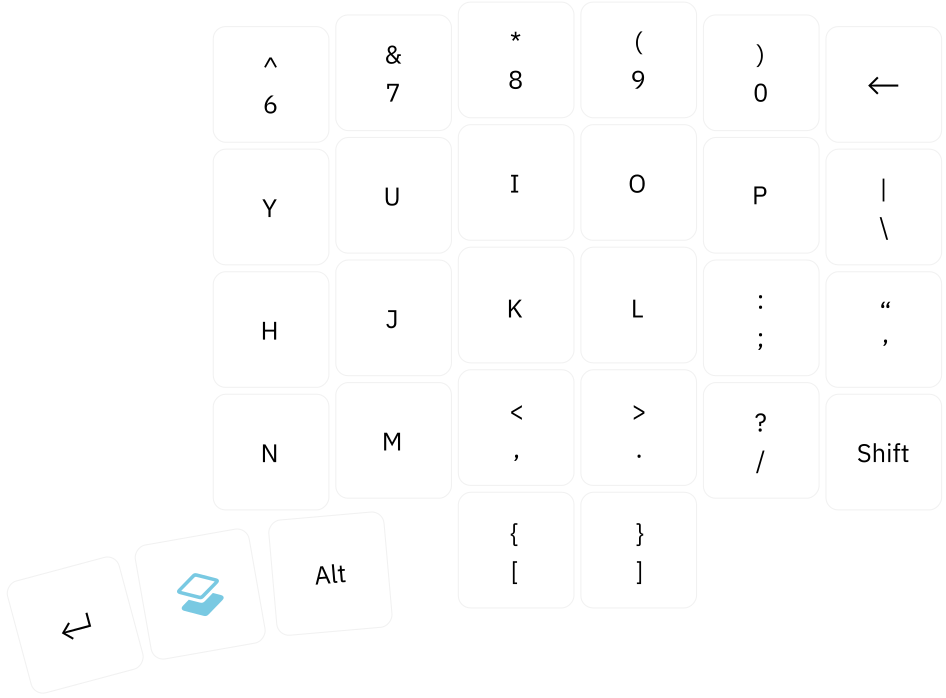
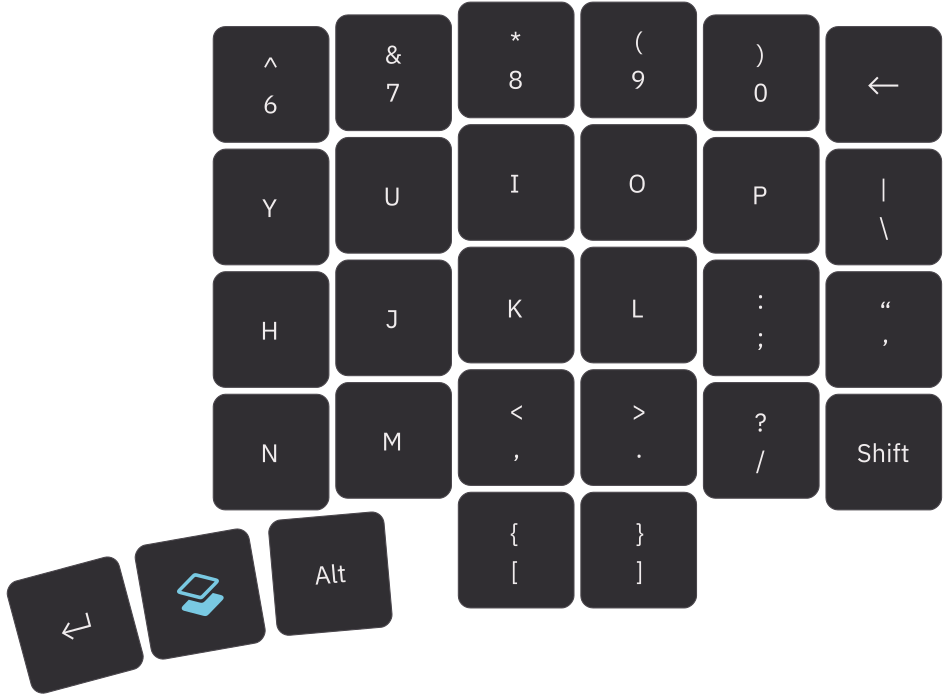
Base layer
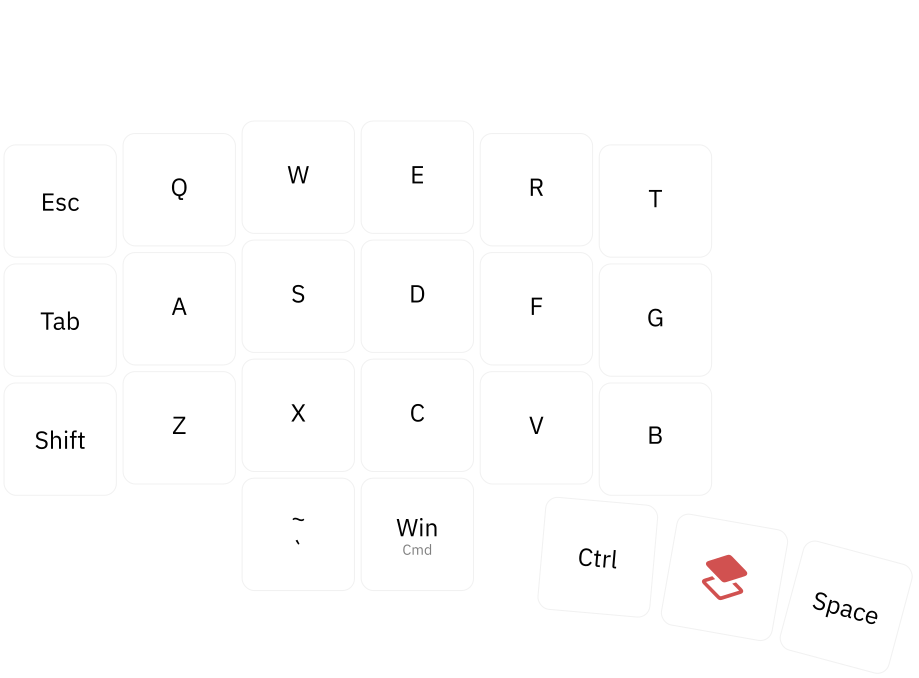
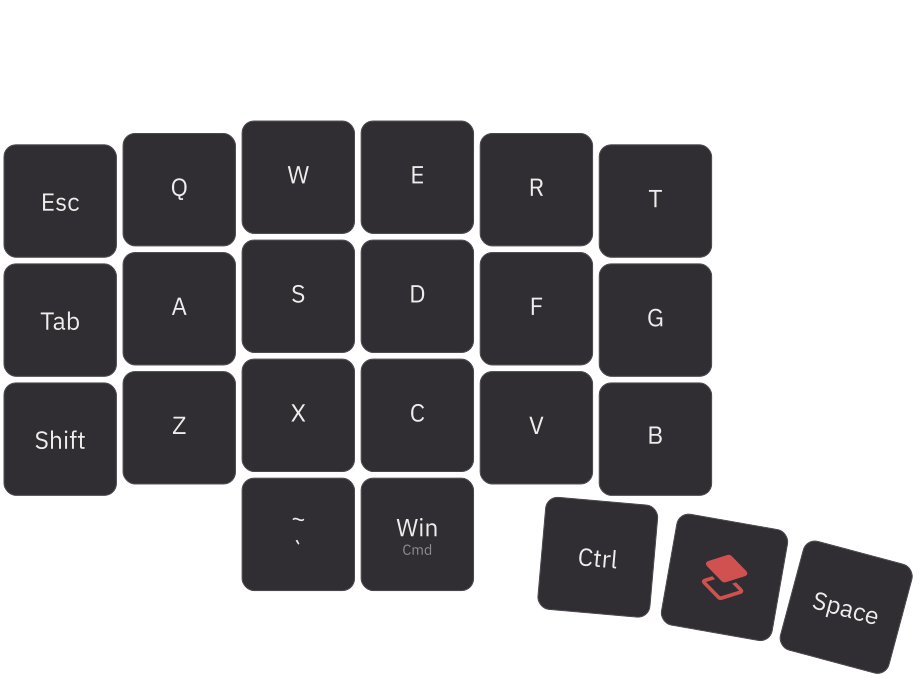
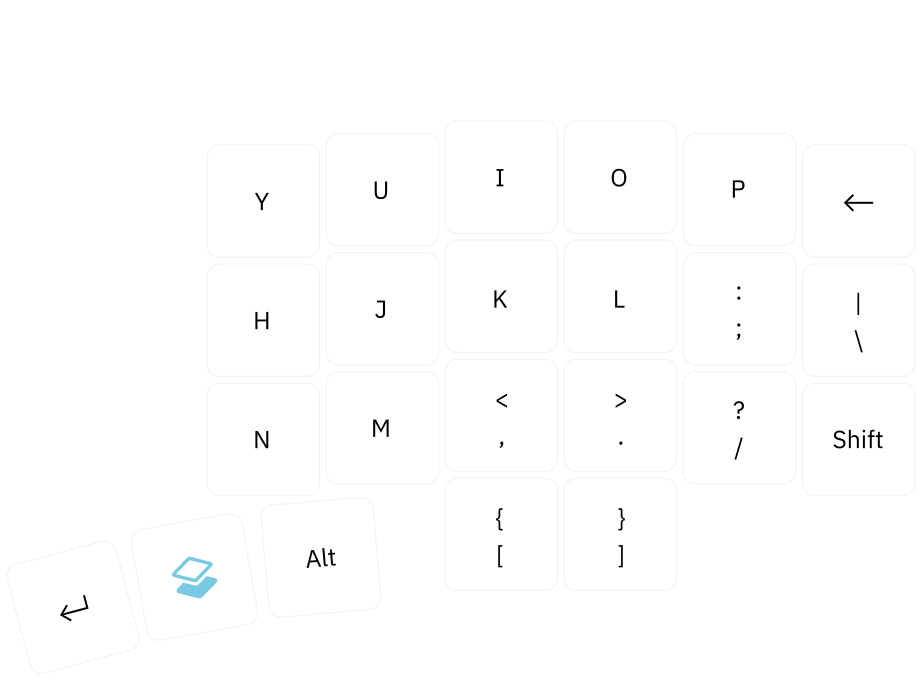
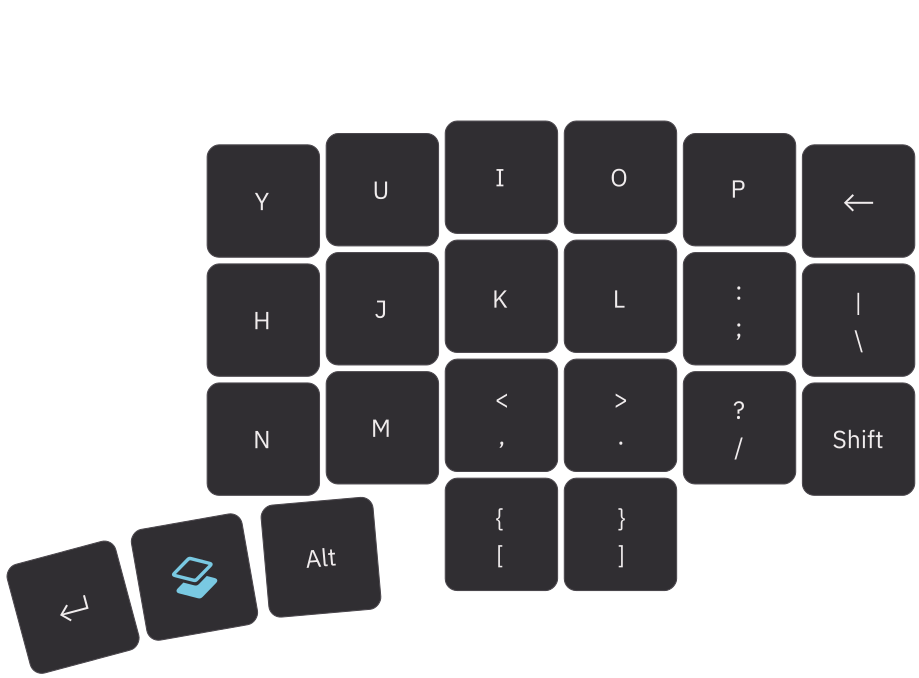
The base layer keeps everyday typing predictable and comfortable, with modifiers and frequently used actions within easy reach.
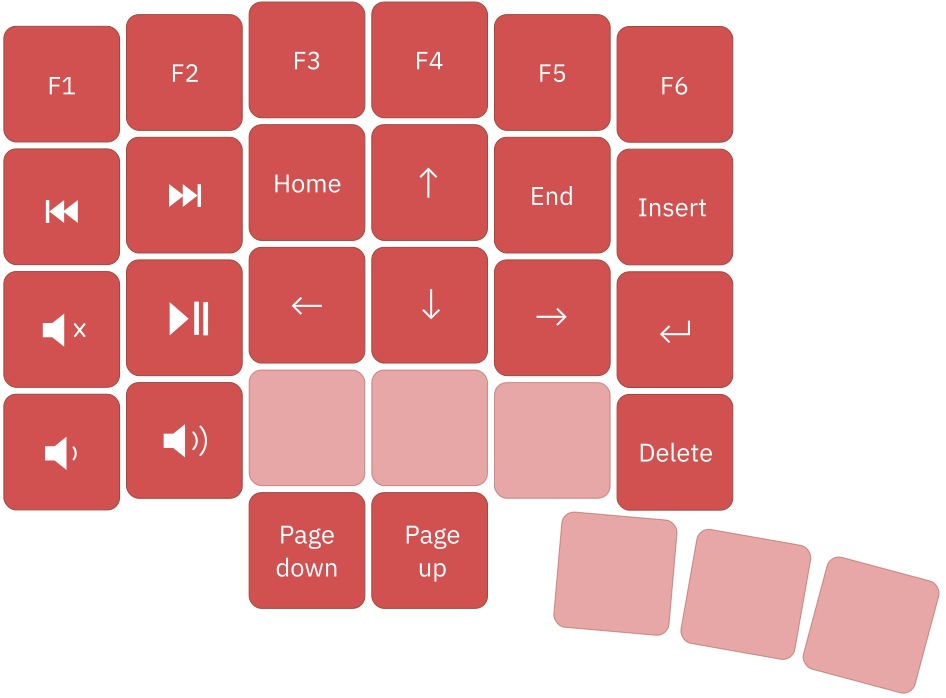
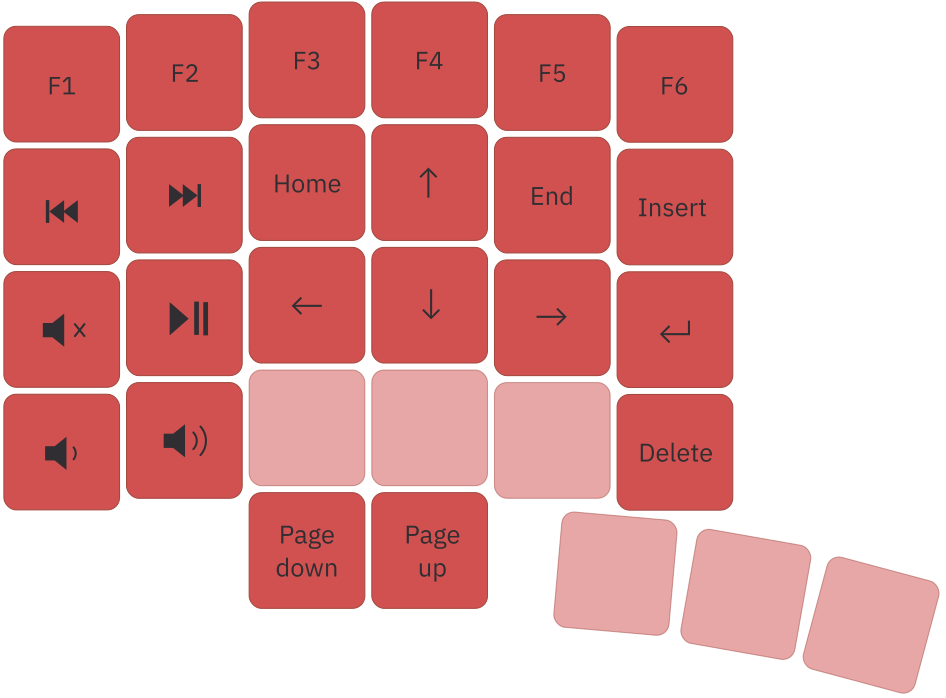
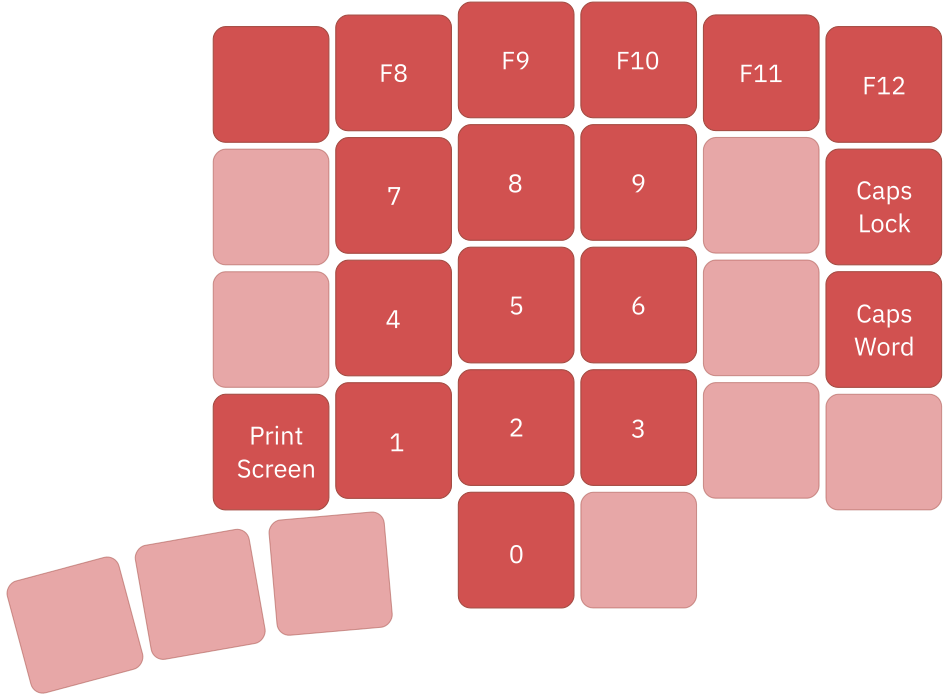
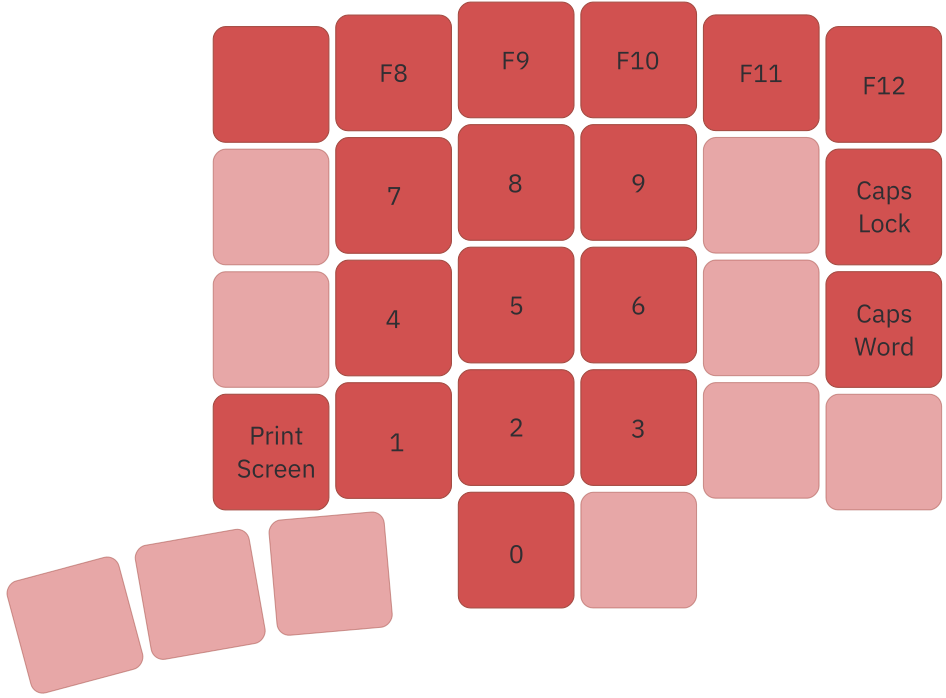
Numbers and navigation
Hold the red layer key to access numbers, arrows, and editing commands such as Home, End, Insert, and Delete.
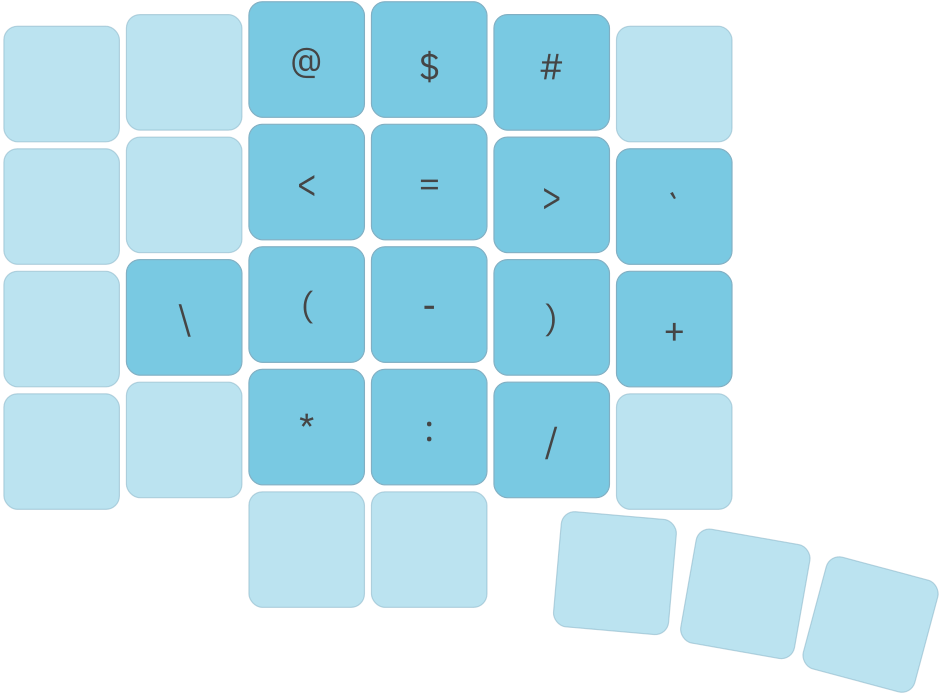
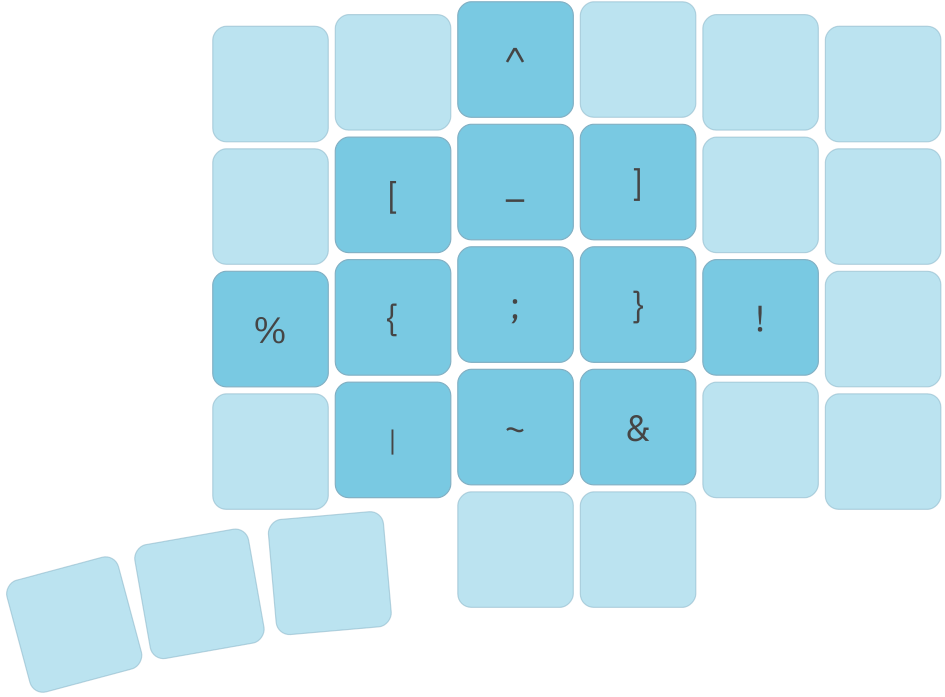
Symbols layer
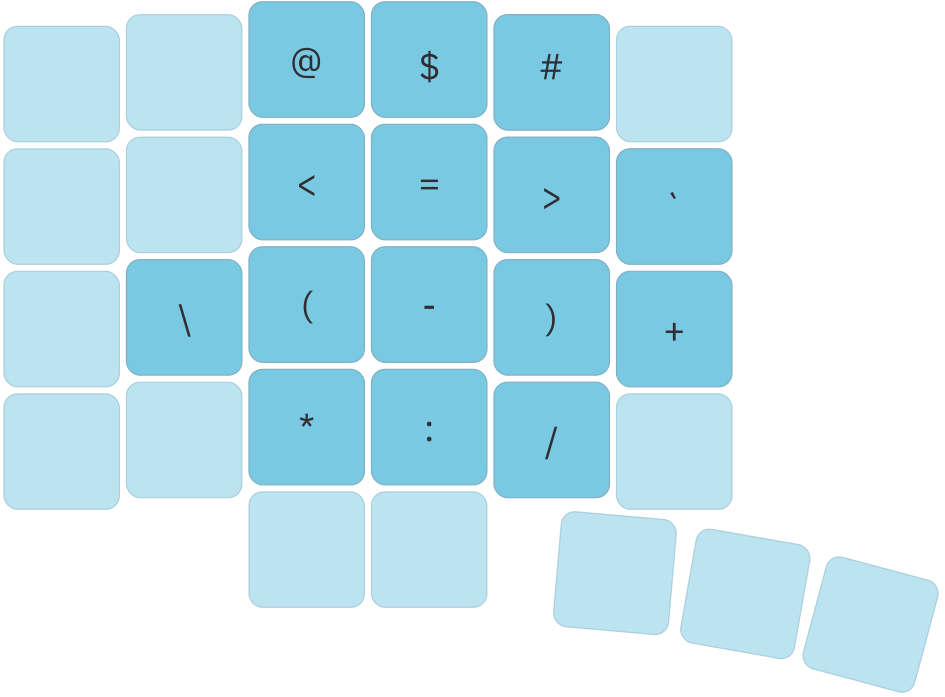
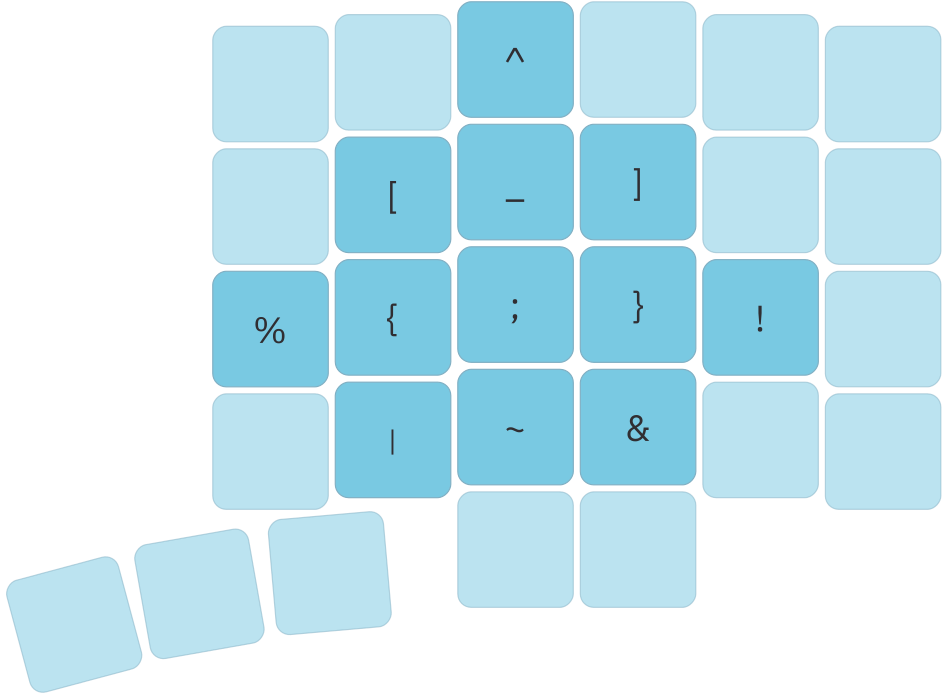
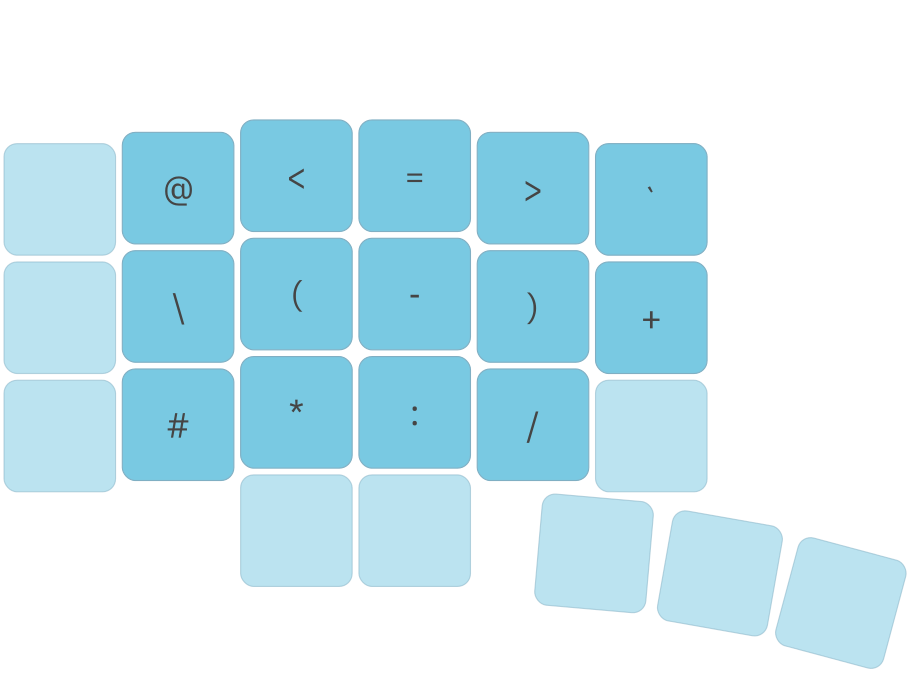
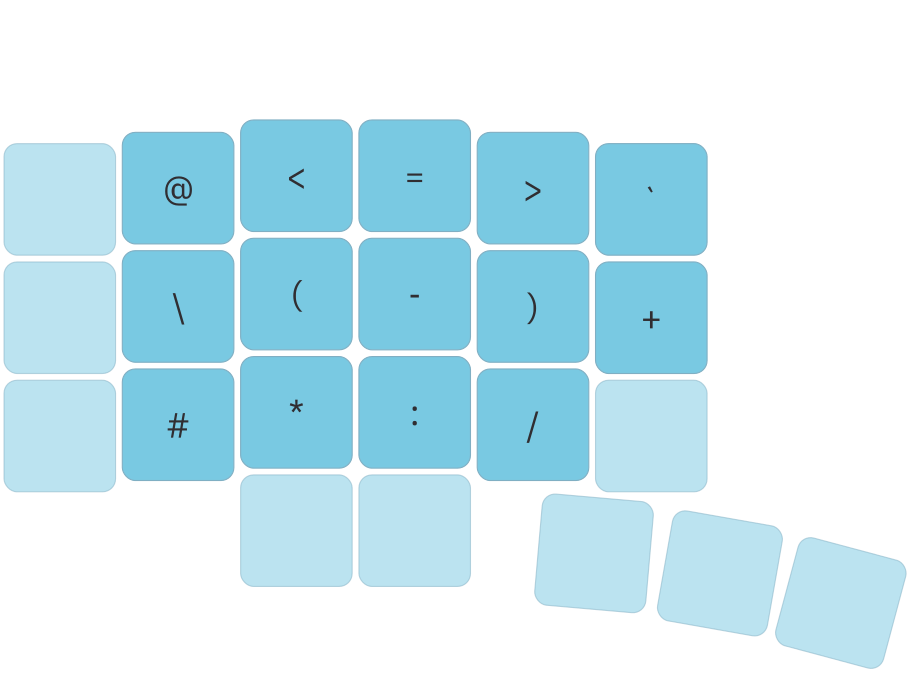
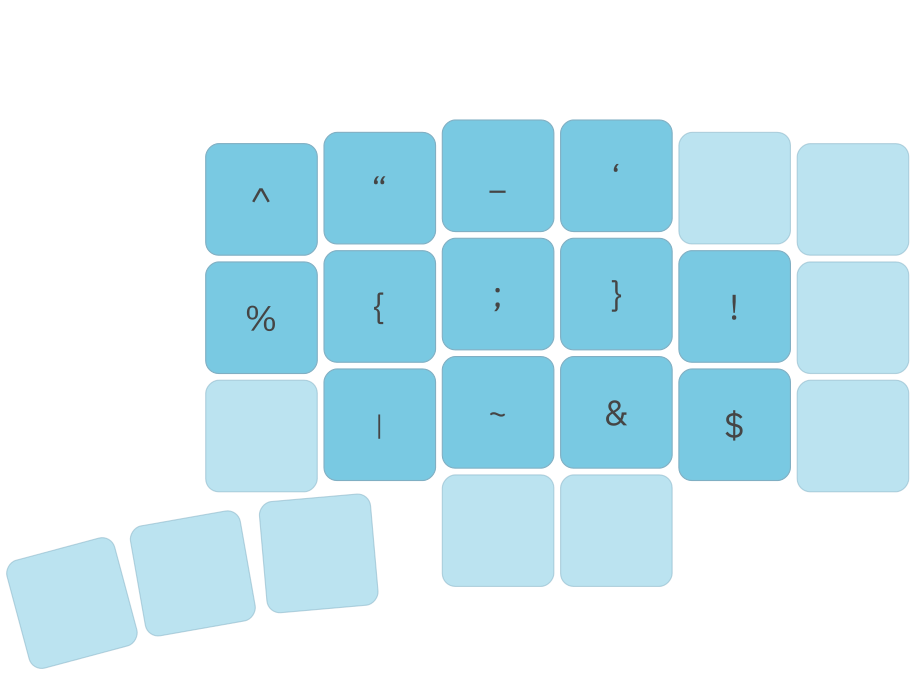
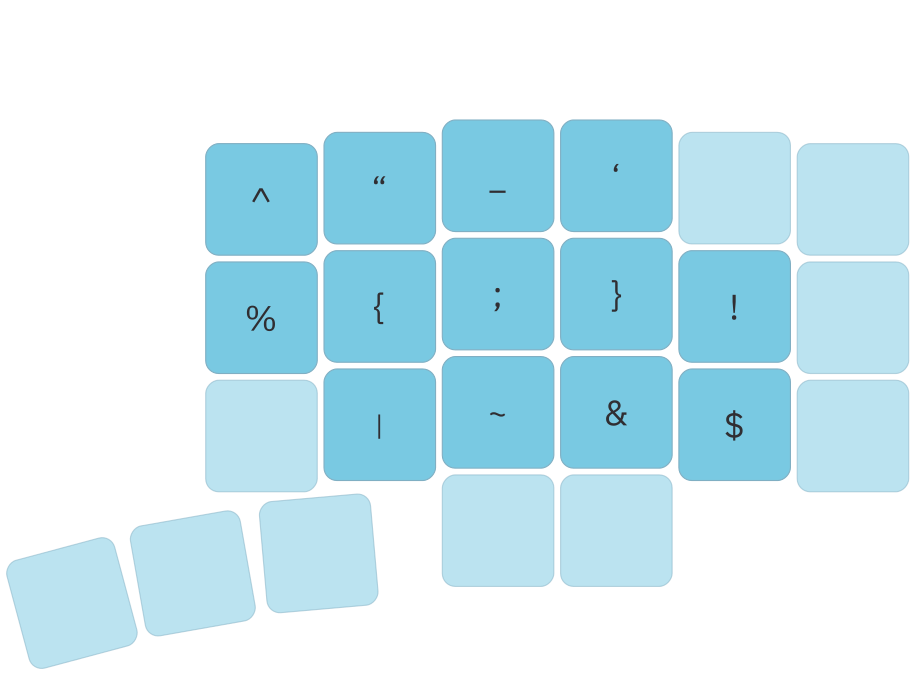
Hold the blue layer key for brackets, operators, and other symbols used in code and formulas.
Cursor control
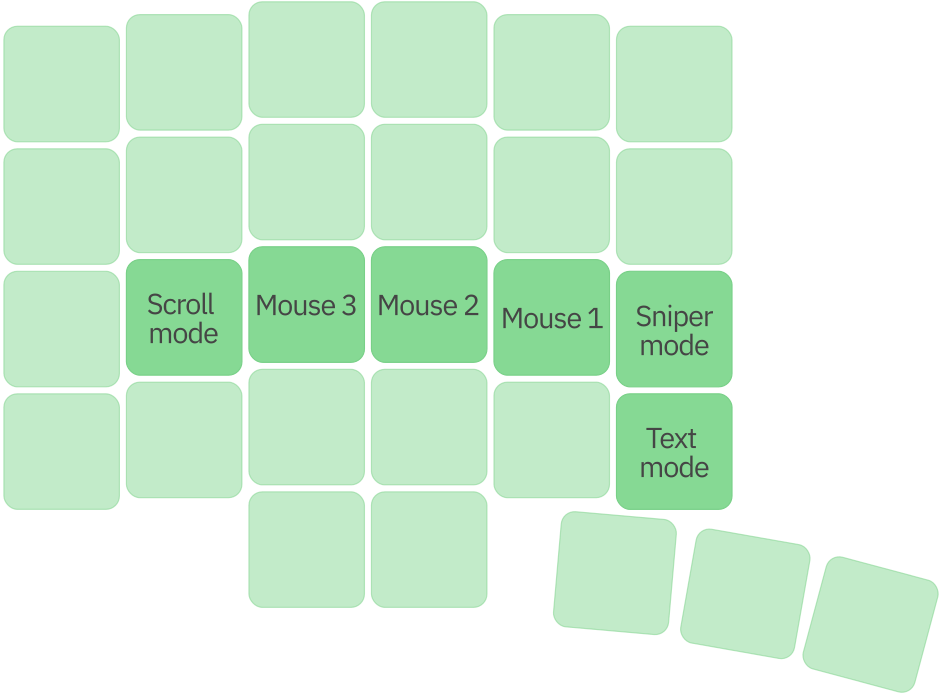
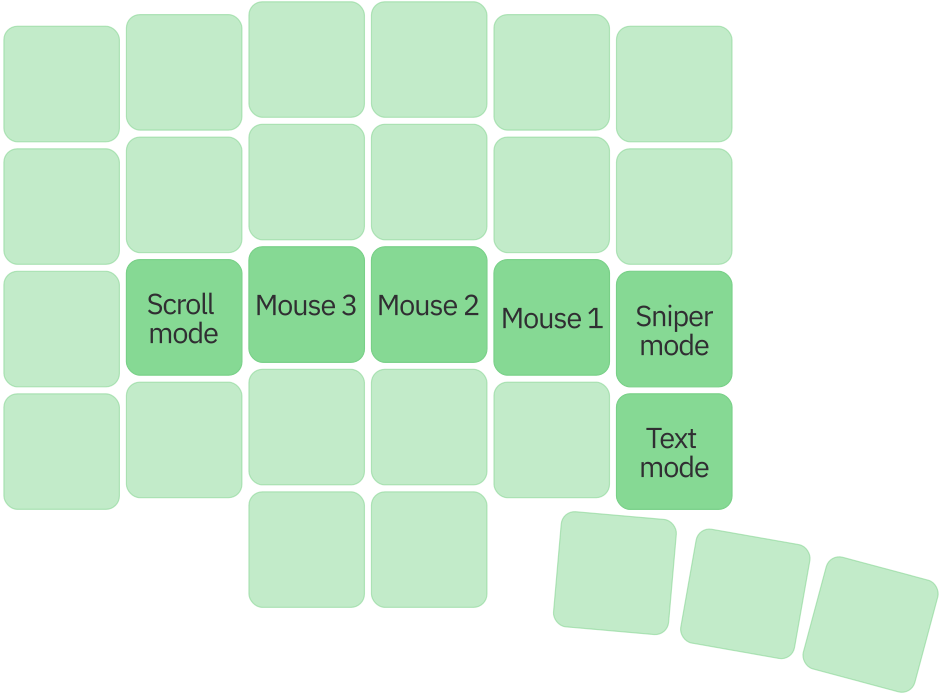
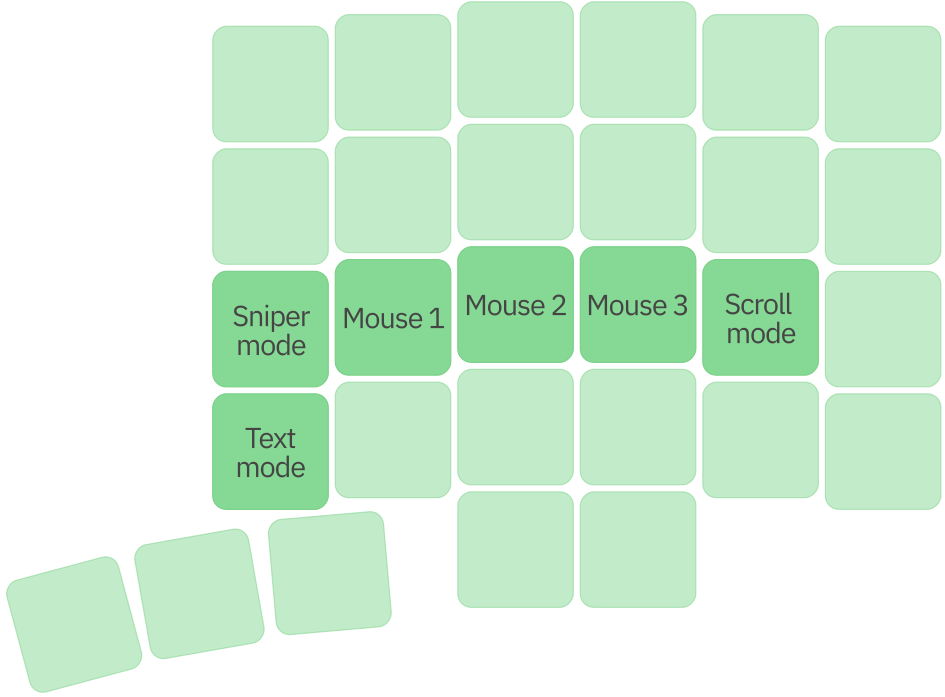
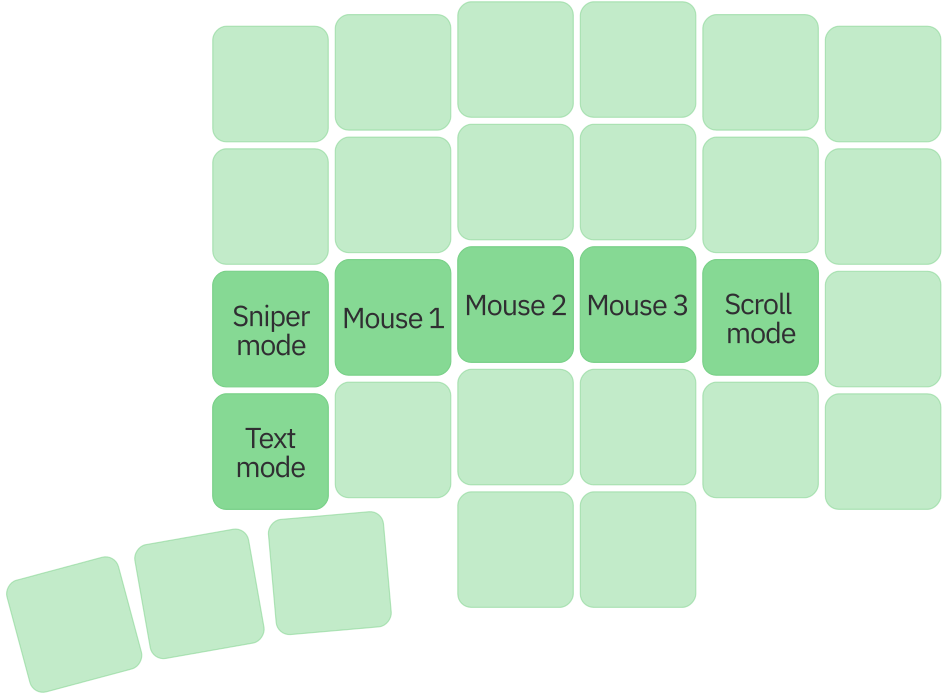
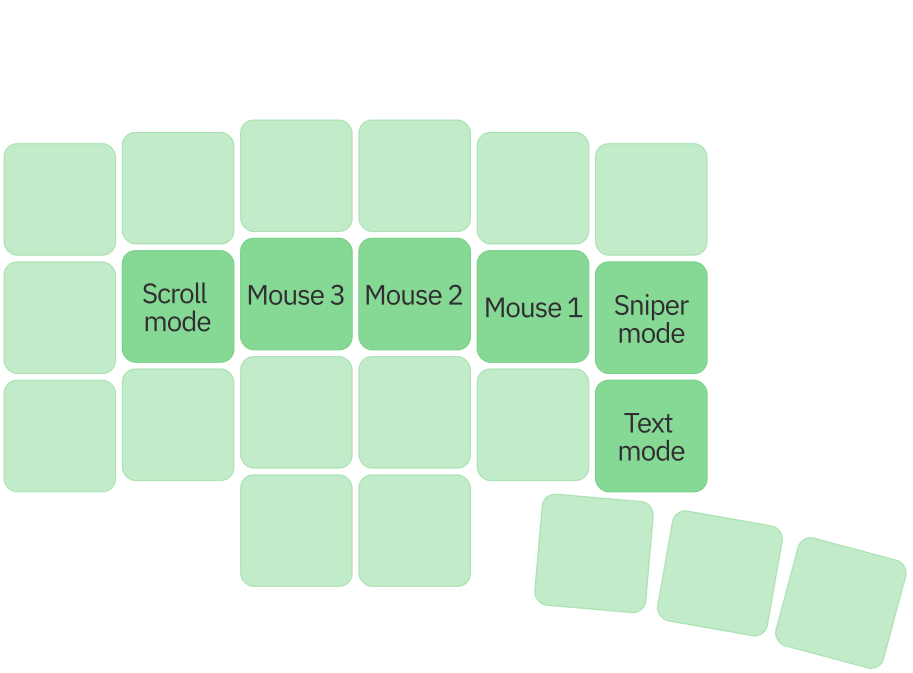
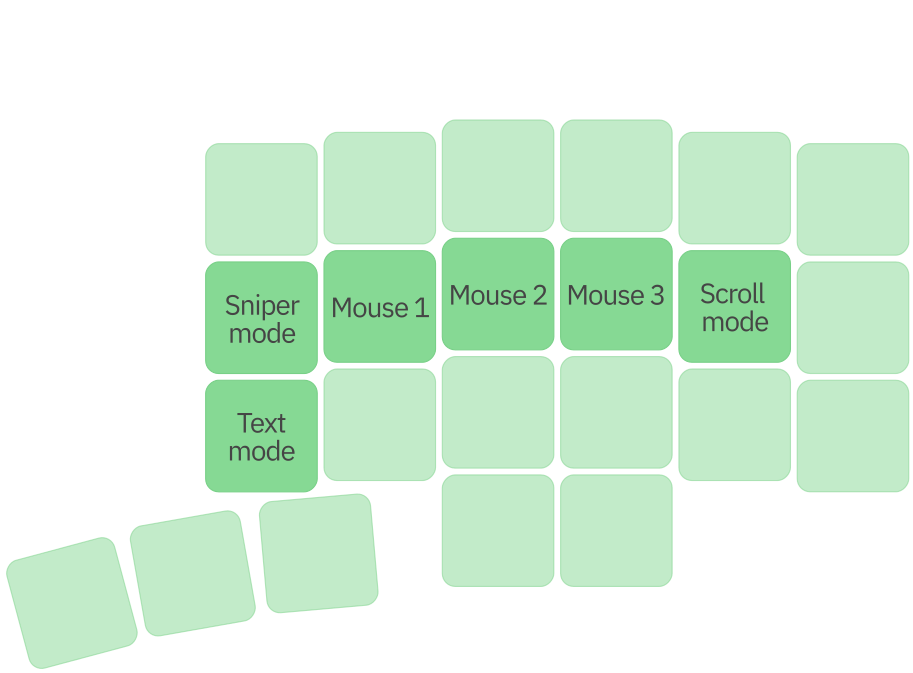
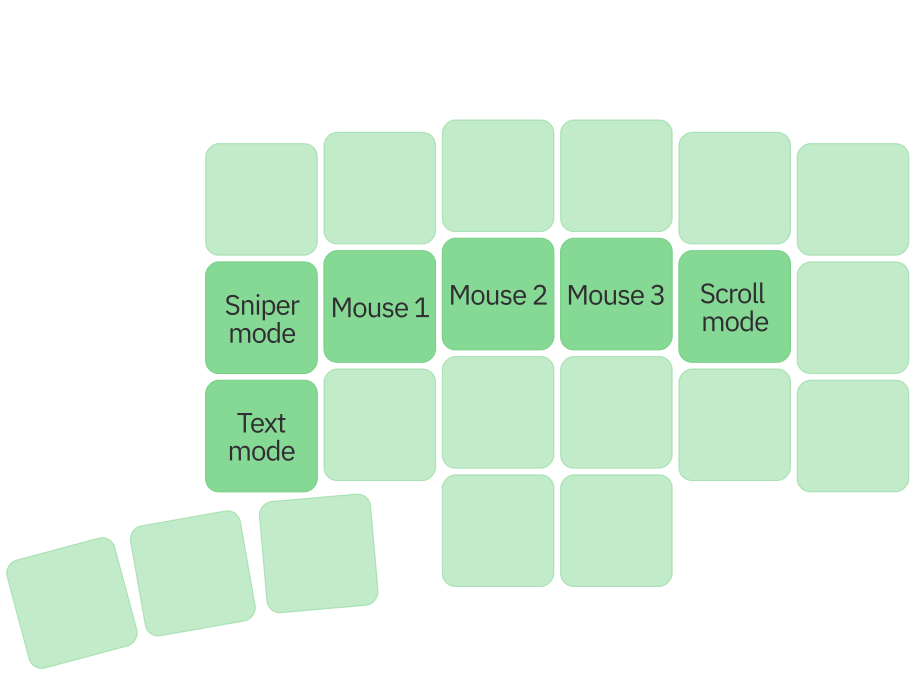
With a trackball or touchpad, this layer provides mouse clicks, scrolling, Sniper mode for precision pointing, and Text mode for cursor navigation in text.
Base layer
The base layer keeps everyday typing predictable and comfortable, with modifiers and frequently used actions within easy reach.
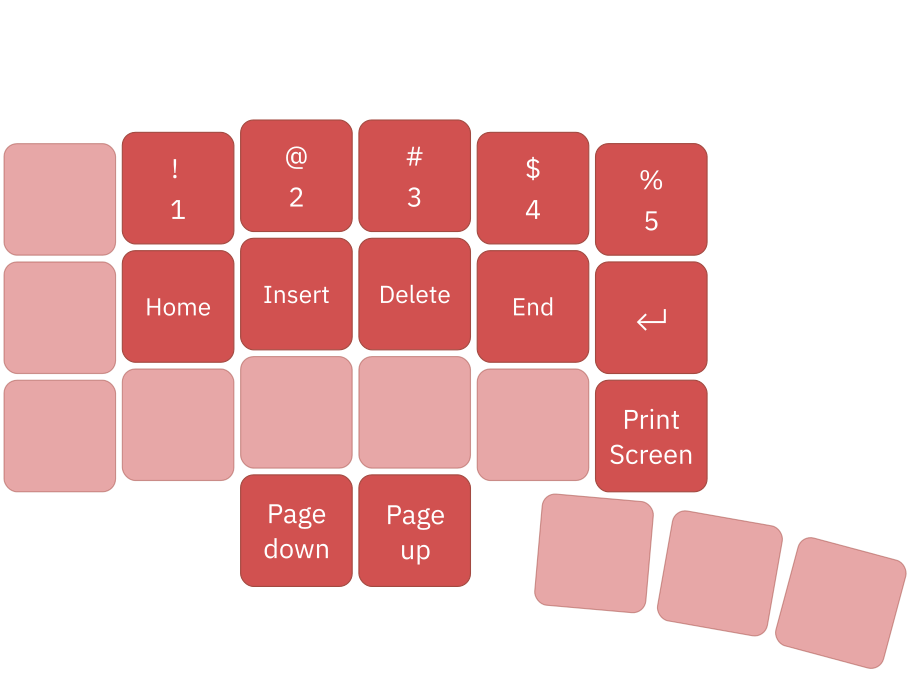
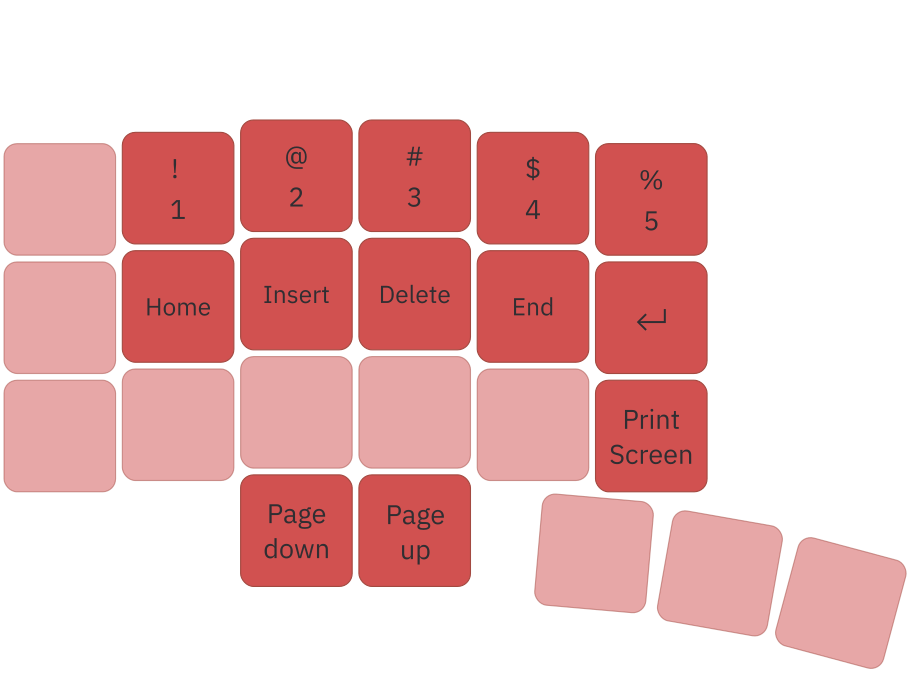
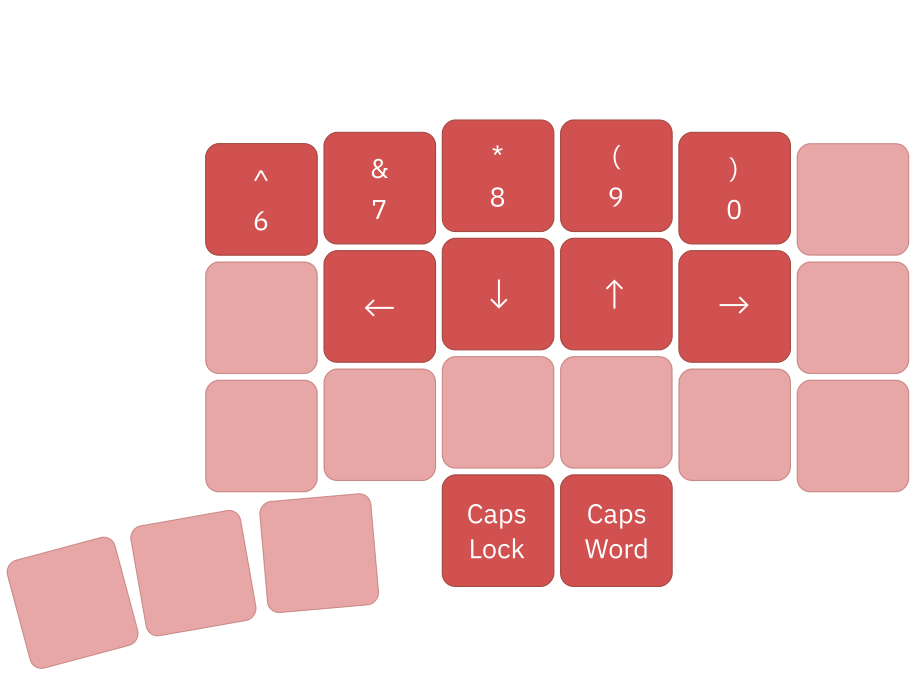
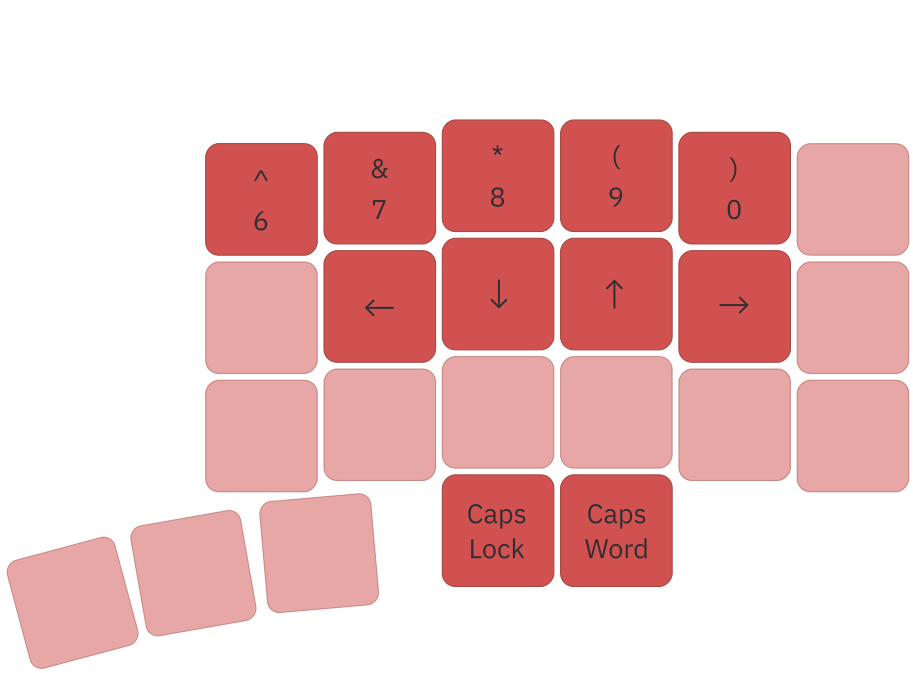
Numbers and navigation
Hold the red layer key to access numbers, arrows, and editing commands such as Home, End, Insert, and Delete.
Symbols layer
Hold the blue layer key for brackets, operators, and other symbols used in code and formulas.
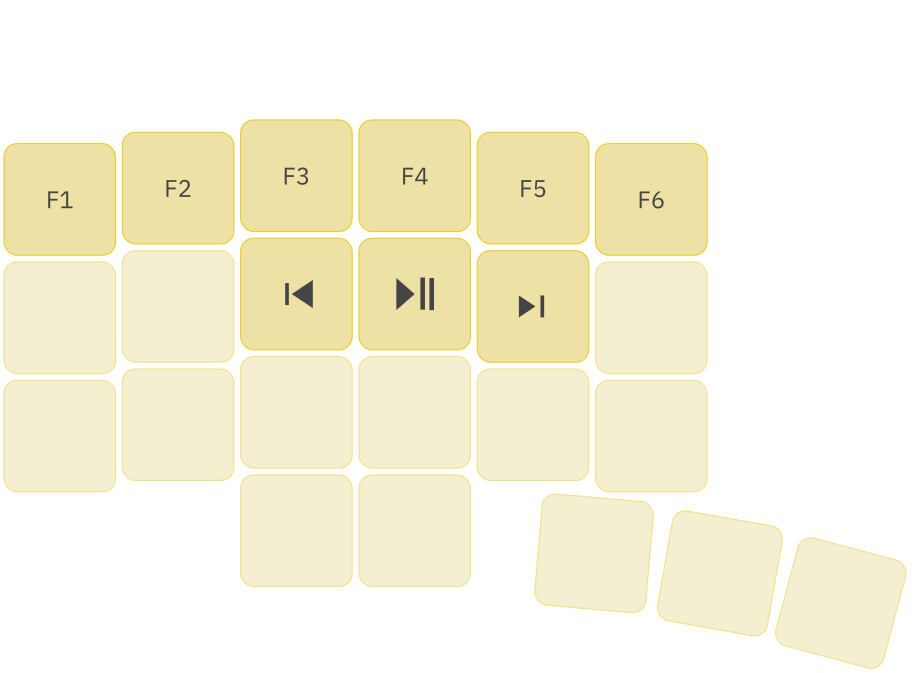
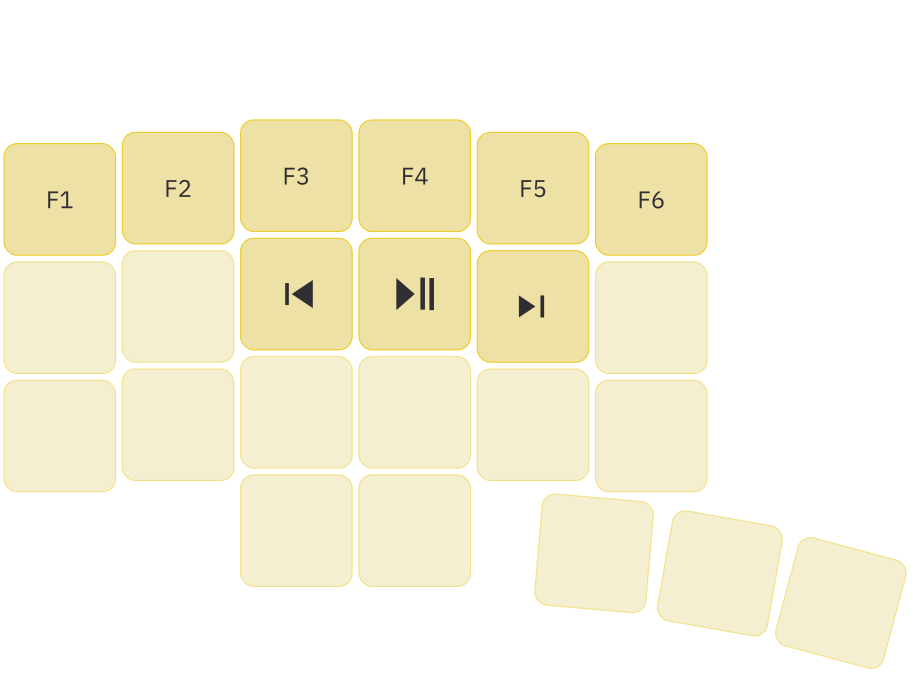
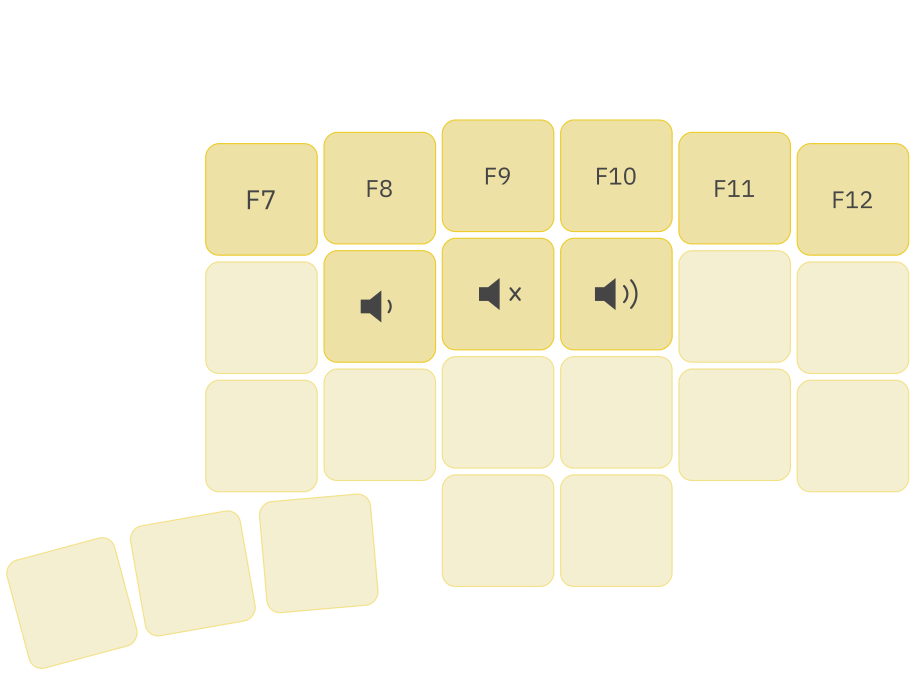
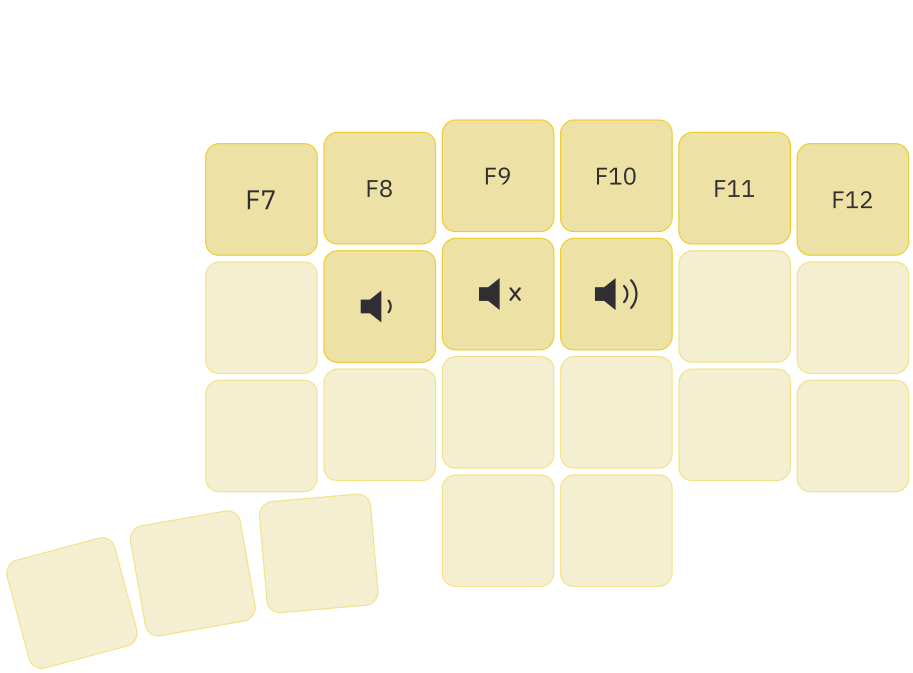
Function layer and media
Hold both layer keys to access function keys, playback controls, and volume.
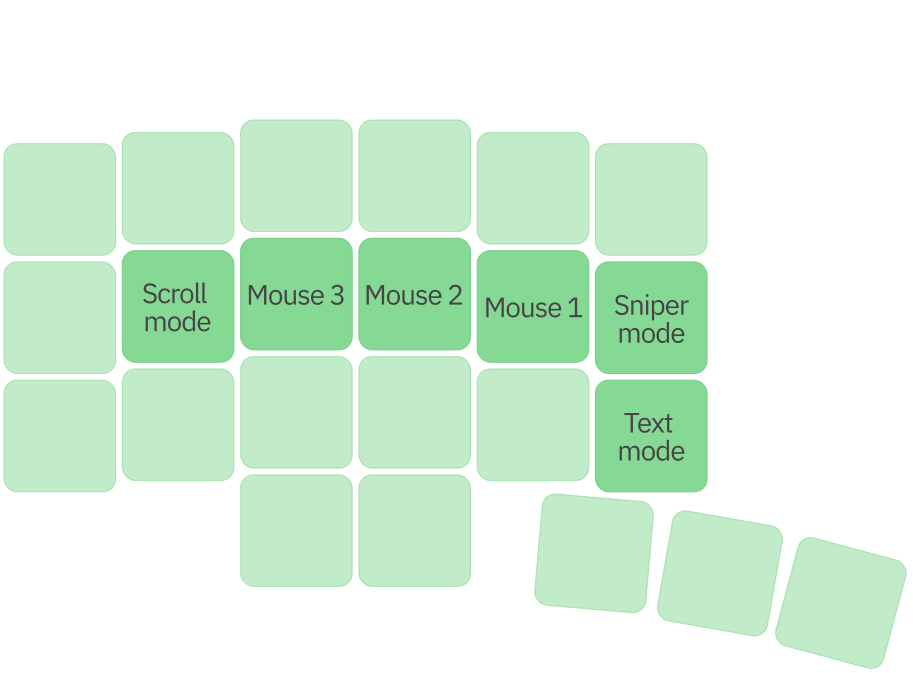
Cursor control
With a trackball or touchpad, this layer provides mouse clicks, scrolling, Sniper mode for precision pointing, and Text mode for cursor navigation in text.
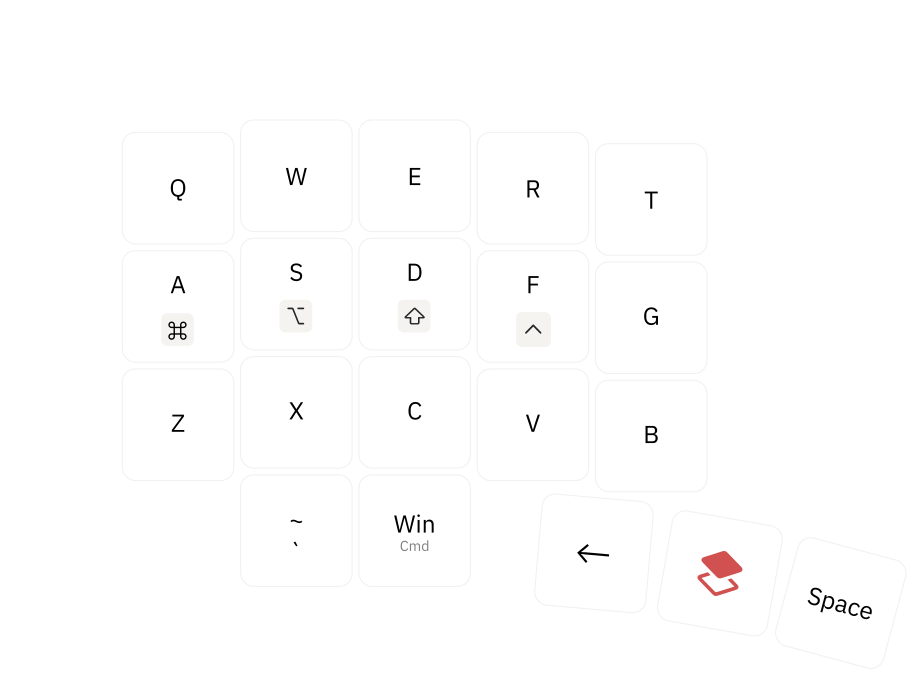
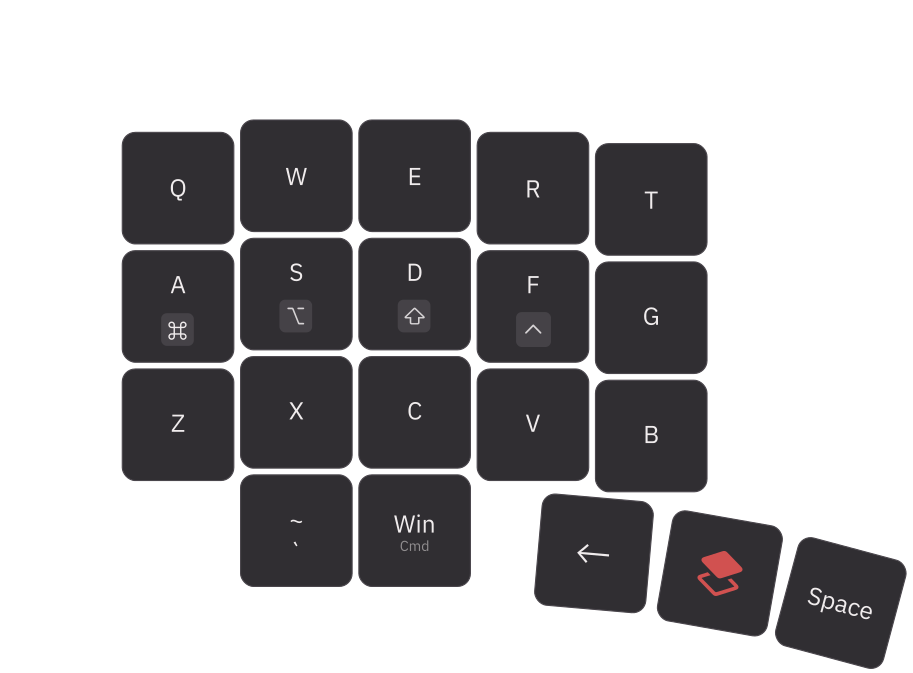
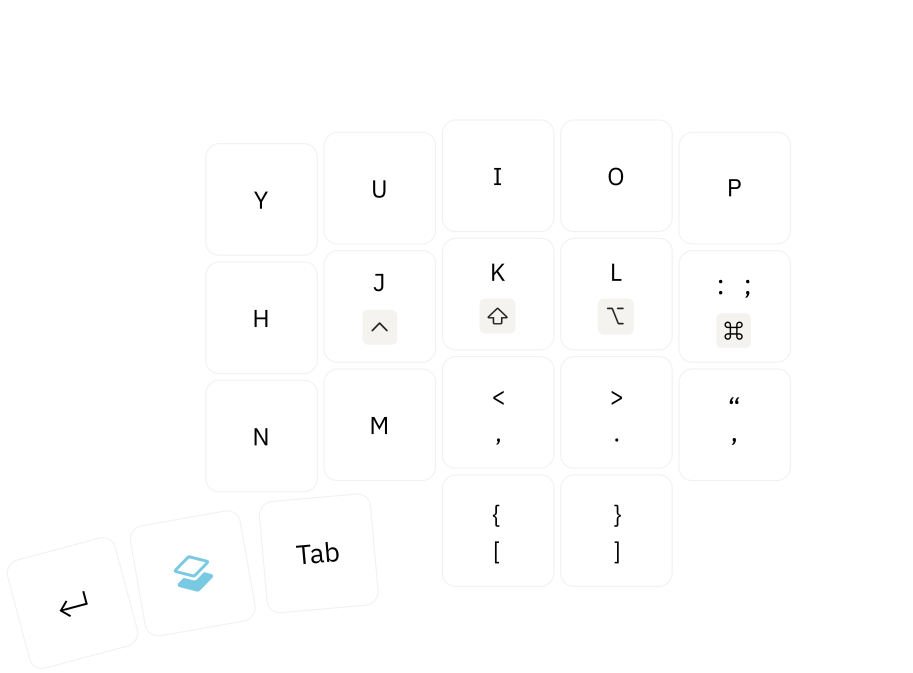
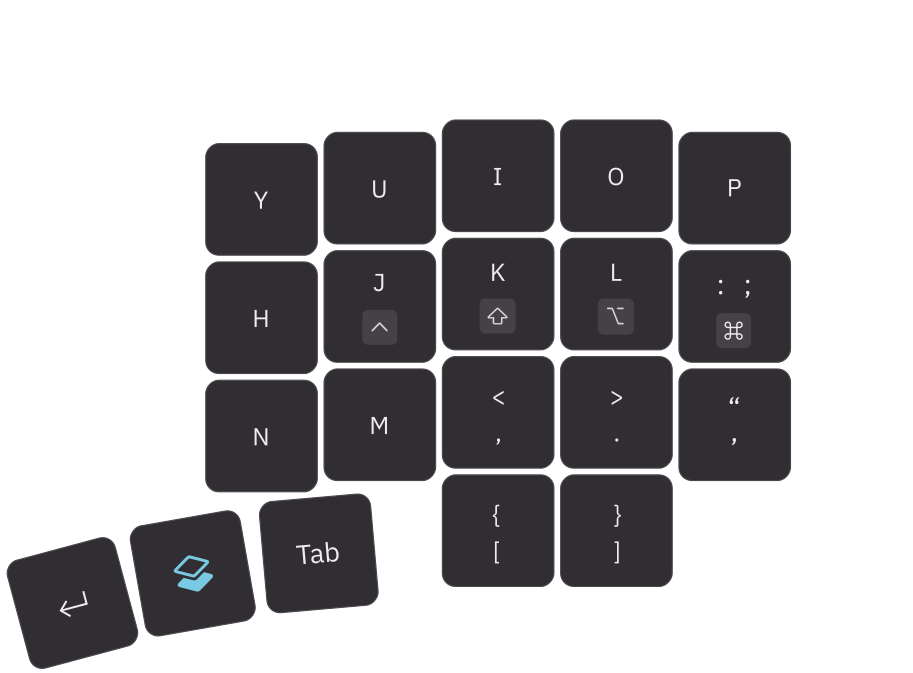
Base layer
The base layer keeps everyday typing predictable and comfortable, with modifiers and frequently used actions within easy reach.
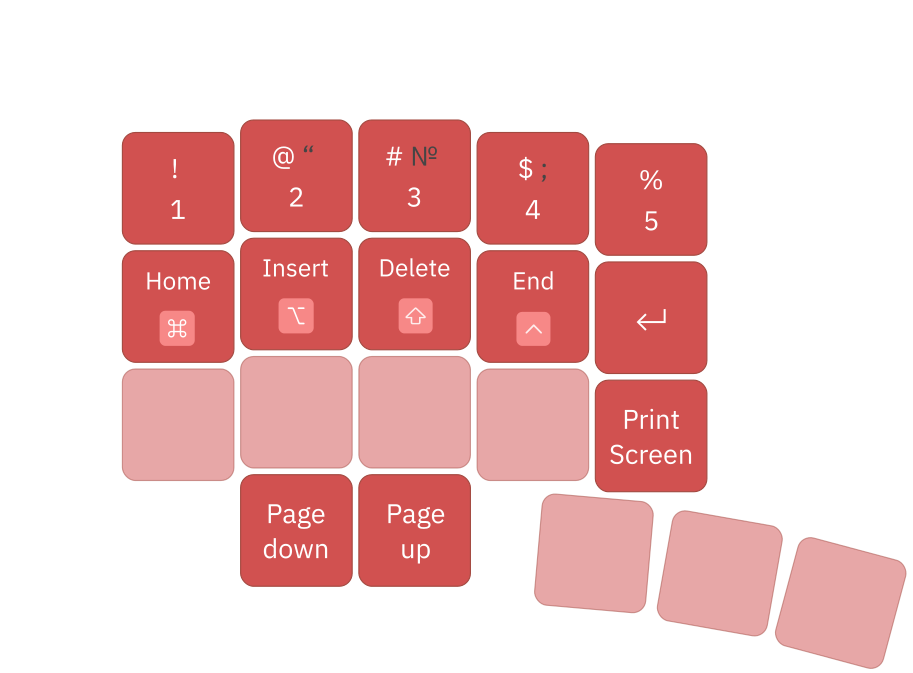
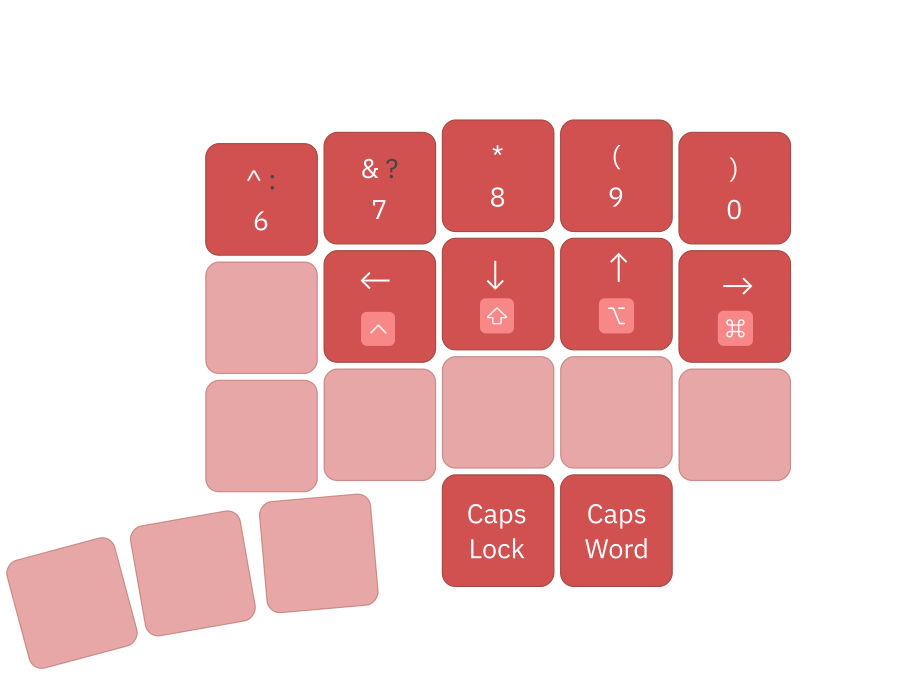
Numbers and navigation
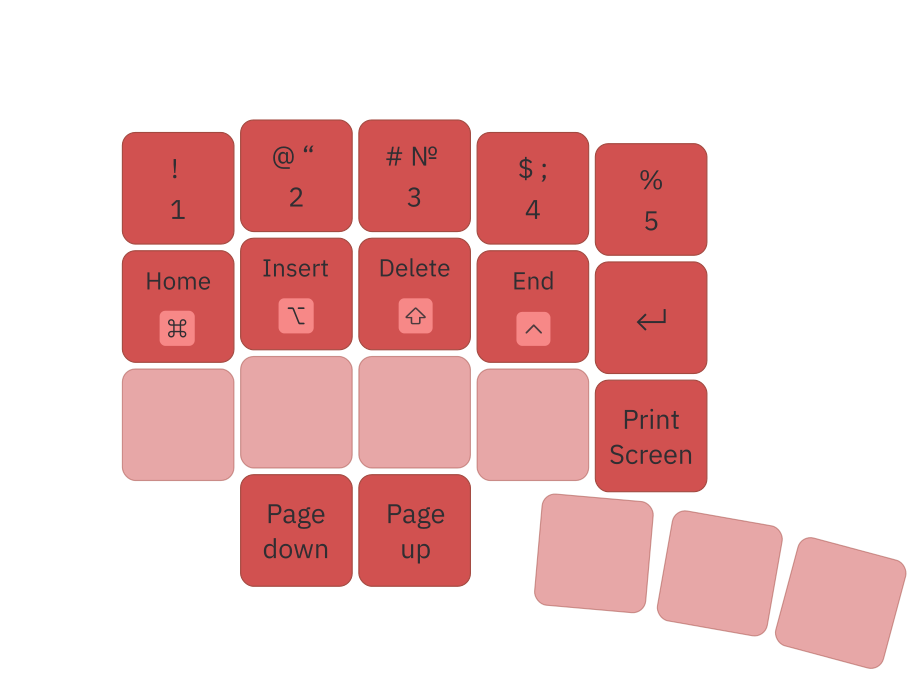
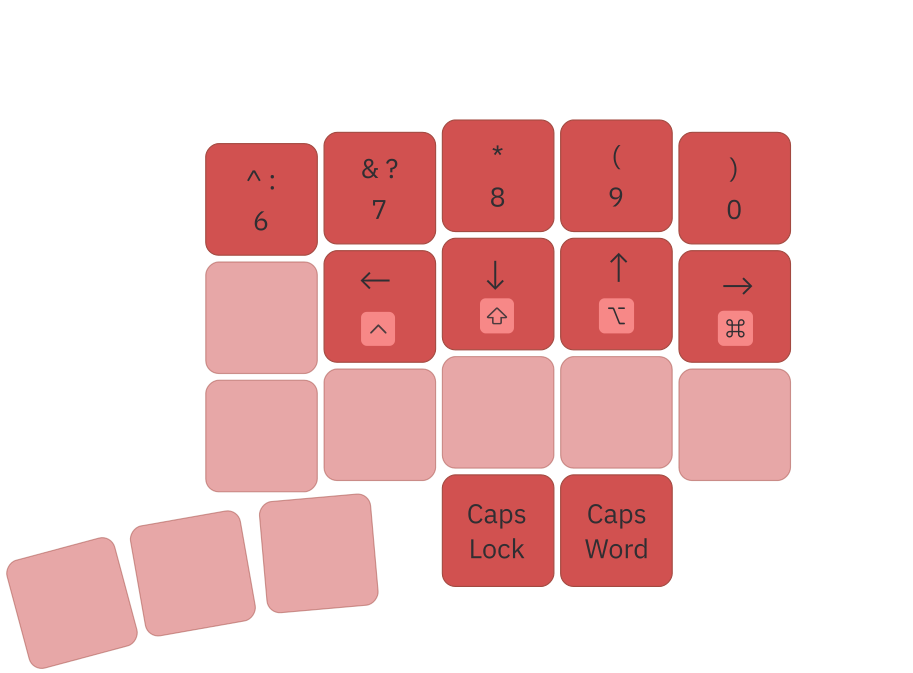
Hold the red layer key to access numbers, arrows, and editing commands such as Home, End, Insert, and Delete.
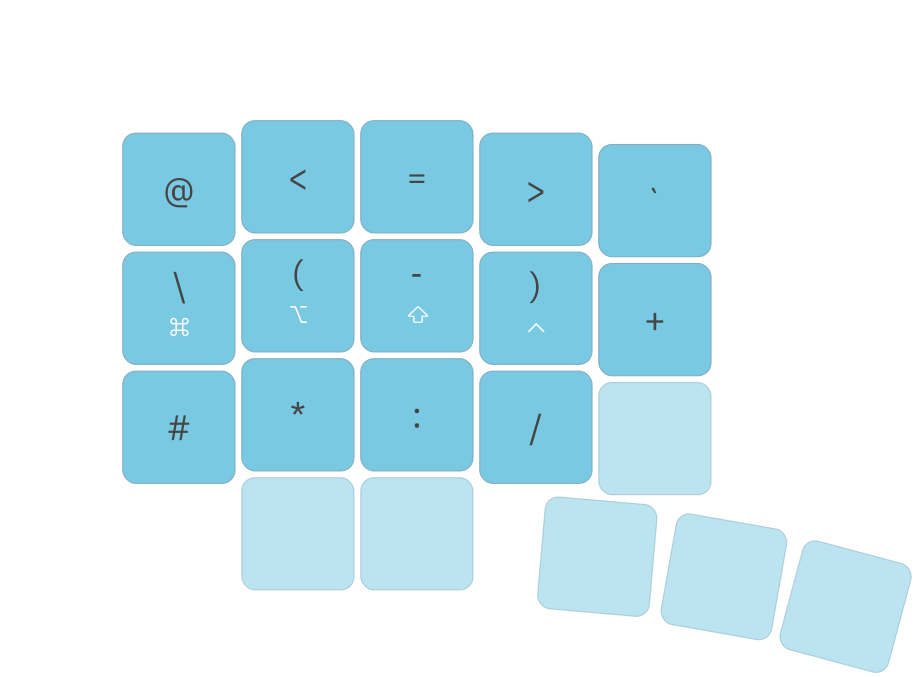
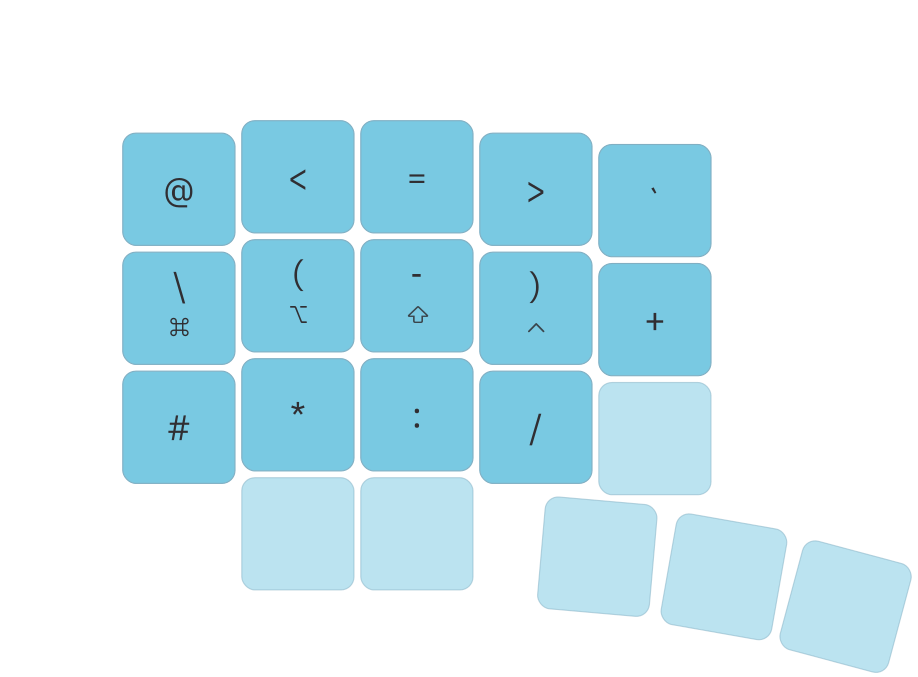
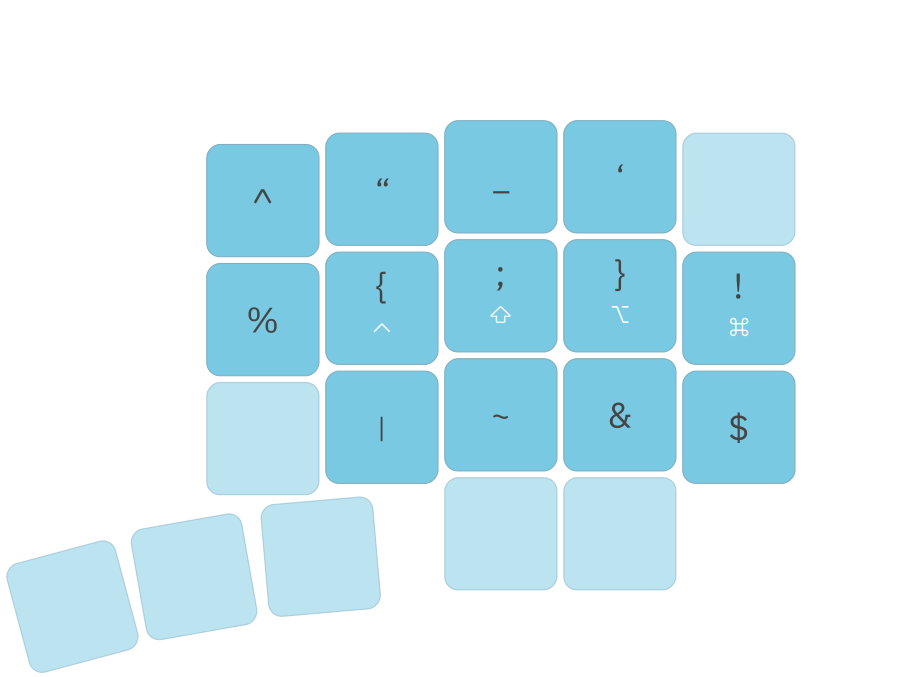
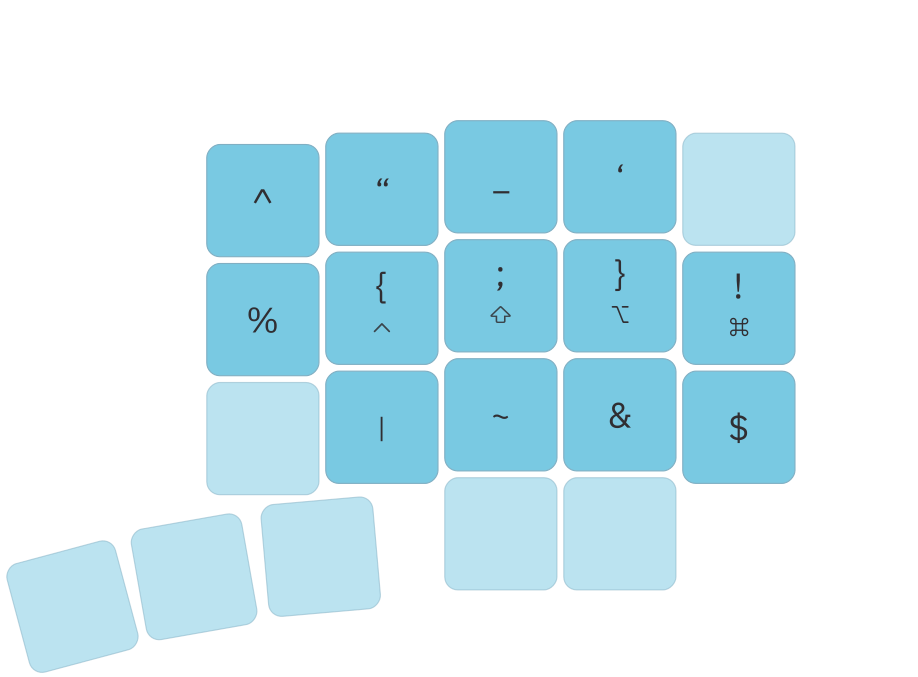
Symbols layer
Hold the blue layer key for brackets, operators, and other symbols used in code and formulas.
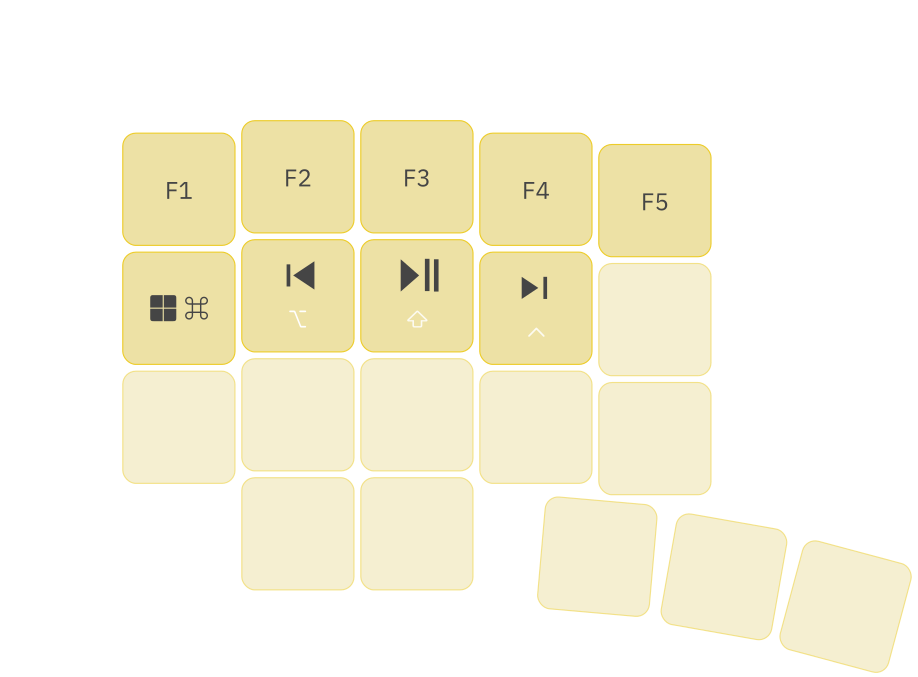
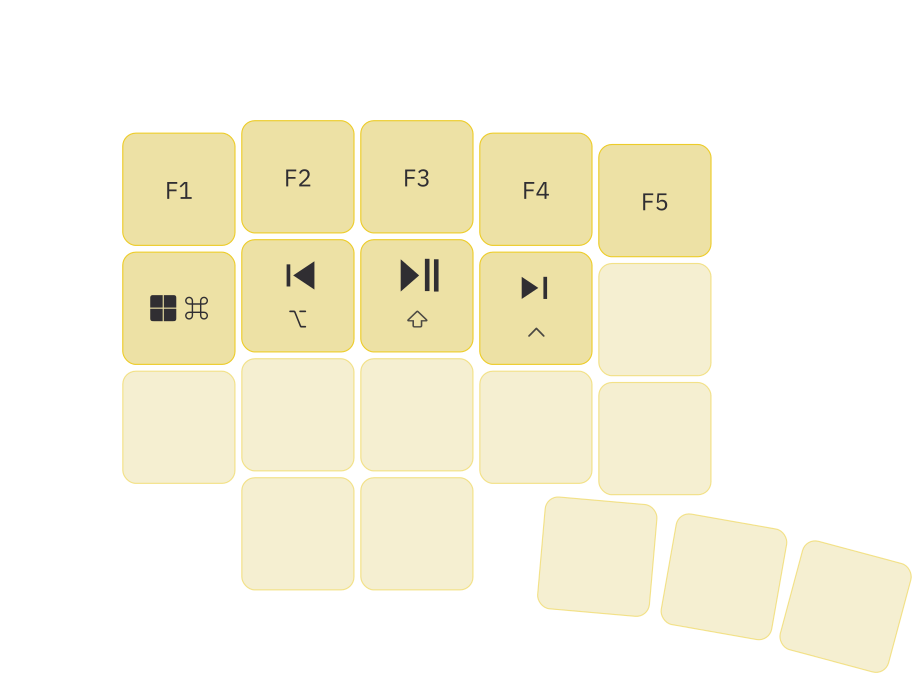
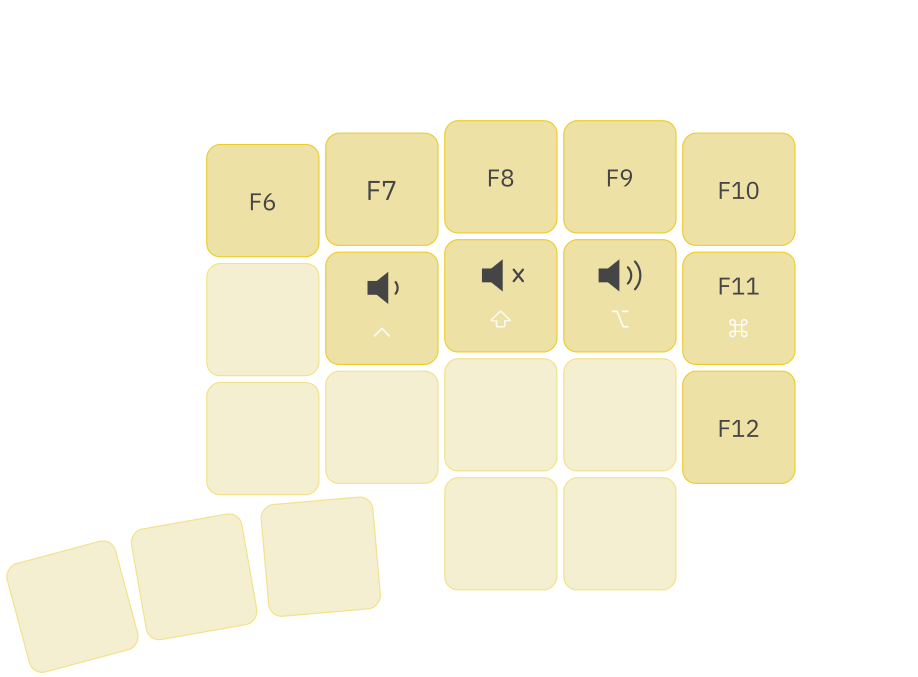
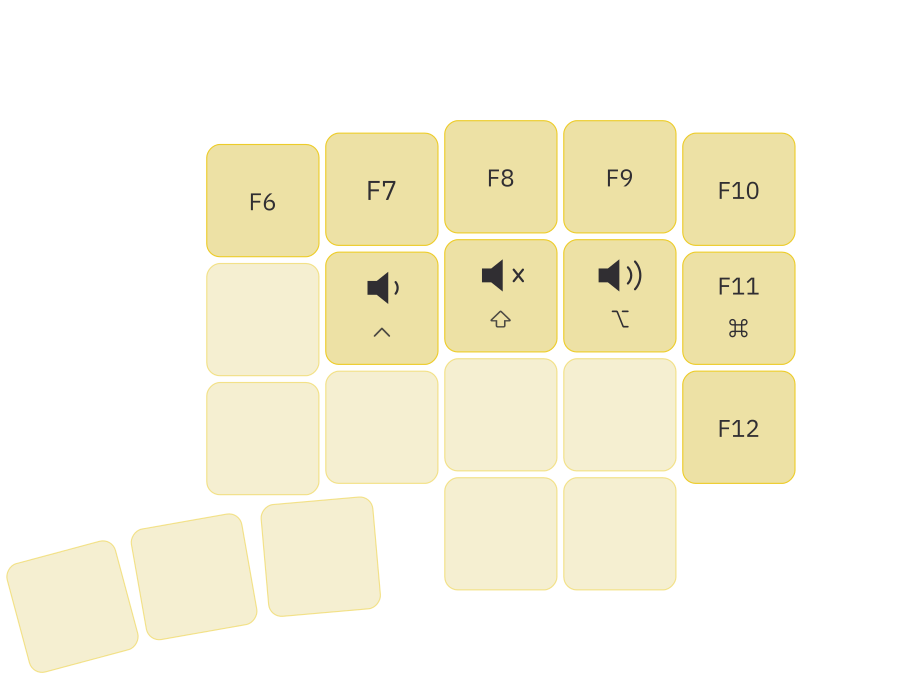
Function layer and media
Hold both layer keys to access function keys, playback controls, and volume.
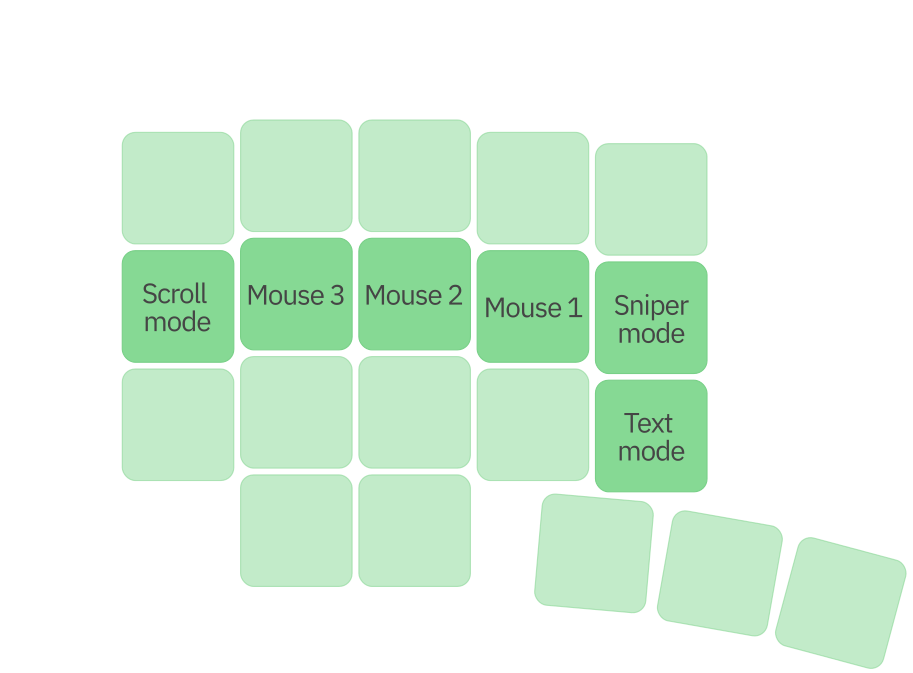
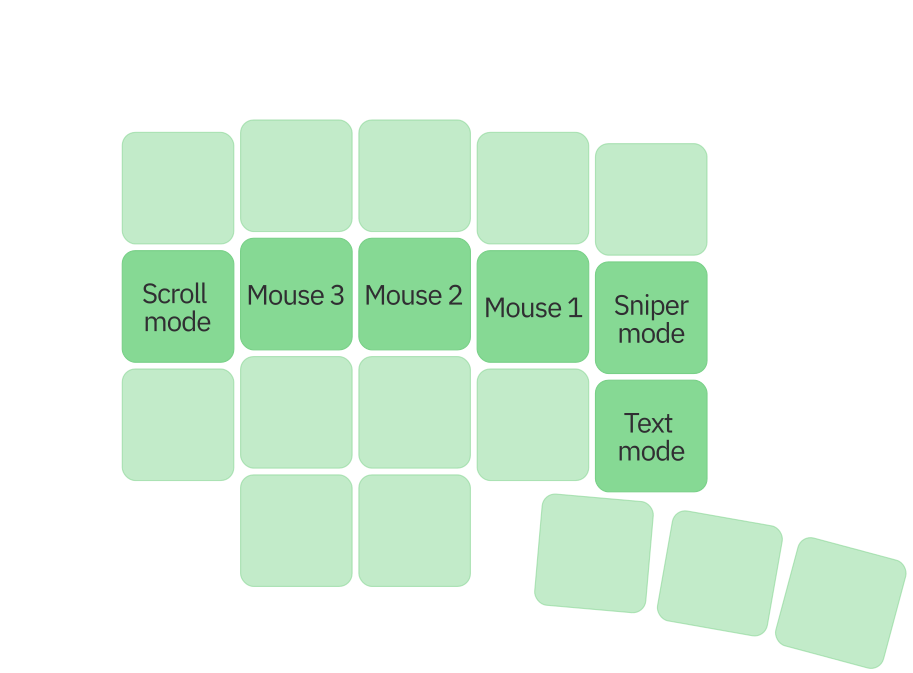
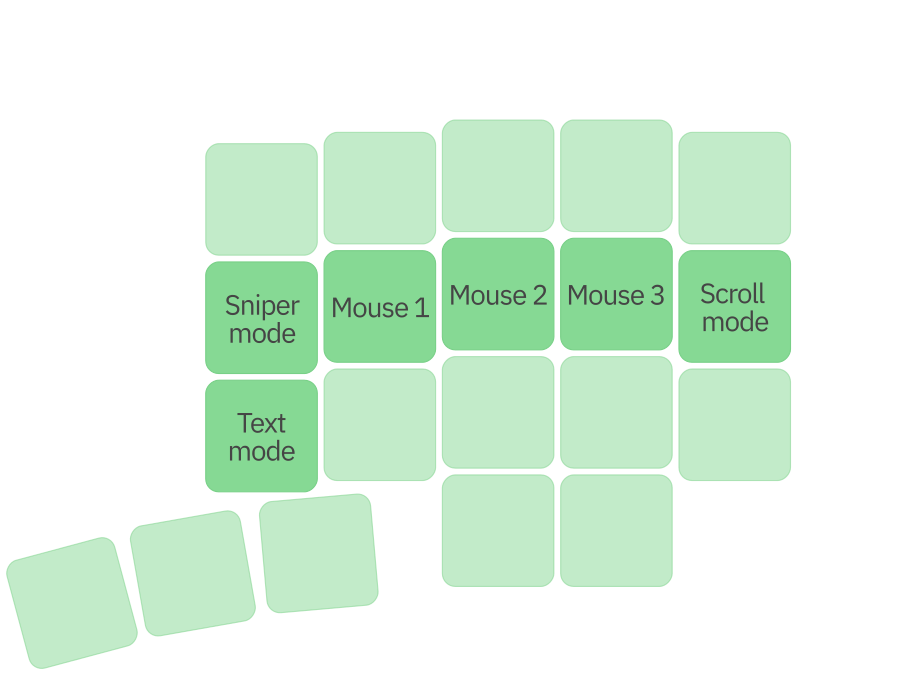
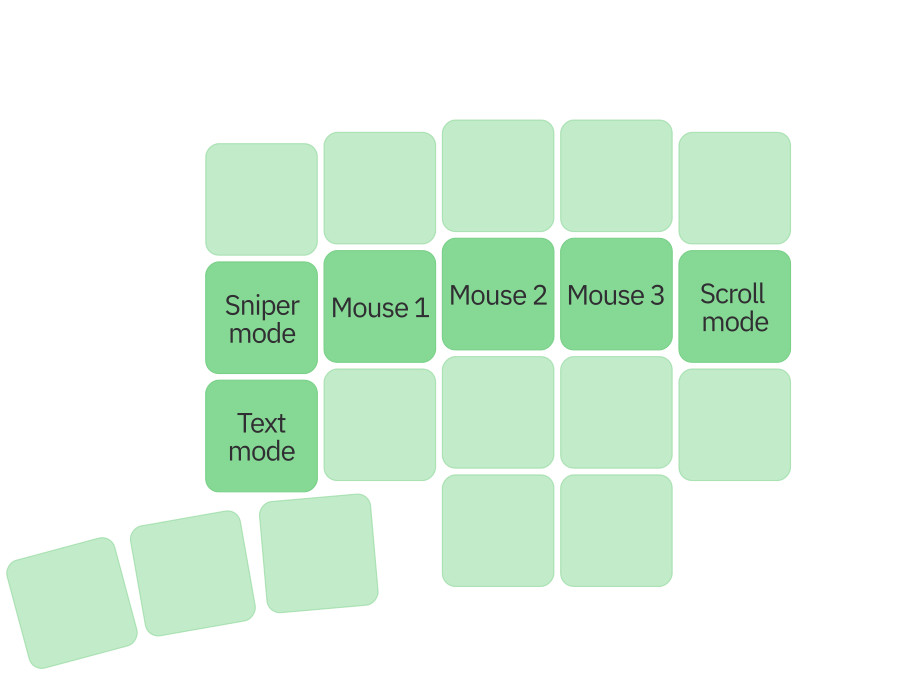
Cursor control
With a trackball or touchpad, this layer provides mouse clicks, scrolling, Sniper mode for precision pointing, and Text mode for cursor navigation in text.

Every column is placed for the finger that reaches it. Carefully tuned height, stagger, and depth create a keywell, reduce unnecessary movement, and let your hands settle into a more natural position.
Purposeful curves bring every key closer and guide each hand into a natural, confident position.


Phenom’s compound keywells, changing column heights, and continuous transitions can only be produced as designed through additive manufacturing.
Each half is built layer by layer, preserving ergonomic geometry that conventional flat production would force us to simplify.

Outemu Silent Tom switches are quiet tactile 5-pin switches with a soft, distinct response. Actuation force is 55 ± 10 gf, pre-travel is 2.0 ± 0.6 mm, and total travel is 3.3 ± 0.2 mm.
MX-compatible hot-swap sockets let you replace switches without soldering. Uniform-profile XDA keycaps keep the same feel across every row.
Phenom is also available in a configuration without switches or keycaps.
Entropy is an open-source app for keyboards and input devices powered by Vial-QMK or Vial-RMK.
Configure layouts, device settings, and desktop tools, including layers, keycodes, lighting, and device behavior, in one coherent interface.
Available for Linux, Windows, and macOS.
Learn more →
Expertly engineered for zero latency issues, no input lag, hassle-free setup, and instant response.
Plug in once and Phenom is ready to work without pairing, batteries, dropouts, or charging routines interrupting your focus.
Phenom at a glance
Key specifications across the entire series
Models
Dimensions per half (L × W × H)
- Standard
- 58 keys · 165 × 148 × 50 mm
- Mini
- 46 keys · 166 × 140 × 40 mm
- Micro
- 40 keys · 146 × 140 × 40 mm
Controls
- Indicators
- Active-layer lighting on each module
- Extra layers
- 15 customizable layers
- Module swapping
- Hot-swap without reflashing
More
- Accessories
- Phenom ComfortSculpt
- Warranty
- 3 years of warranty and support
- Case
- Galaxy Black PLA plastic
Modules
- Trackball
- 38 mm diameter ball
- Touchpad
- 43 × 40 mm touch surface
- Encoder
- Rotation · press
Hardware
- Processor
- Dual-core Arm Cortex-M0+
- Switches
- MX, replace without soldering
- Connection
- Wired USB-C
Configuration and support
- Configuration
- Entropy
- Firmware
- eh.docs
- Support
- support@eh.industries

Crafted in every detail
Choose Standard, Mini, or Micro, then add the modules that fit your work. Every curve, key, and control comes together in one keyboard built for your desk.
Choose your Phenom